

Dreame X60 Max Ultra Complete Maintenance Check
How to clean and maintain the Dreame X60 Max Ultra Complete: brushes, tanks, sensors and dock, plus when to replace worn parts.

Dreame X60 Max Ultra Complete at a Glance (MSRP $1,699.99)
- Suction: 35,000 Pa
- Main brushes: HyperStream Detangling DuoBrush 2.0
- Side brush: Anti-Tangle Extending Side Brush
- Mopping: Two Omni-Scrub rotating thermal mop pads
- Dock: Heated mop washing up to 212°F (100°C) and hot-air drying
- Navigation: VersaLift retractable DToF and dual AI cameras
- Water tanks: 4.2 L clean / 3.0 L dirty
- Dust bag: 3.2 L
- In the box: 1 main brush, 1 side brush, 1 filter, 2 dust bags, 3 pairs of mop pads
Before You Begin
Turn off the robot and unplug the dock. Let hot parts cool. Let any washed parts dry completely before putting them back.
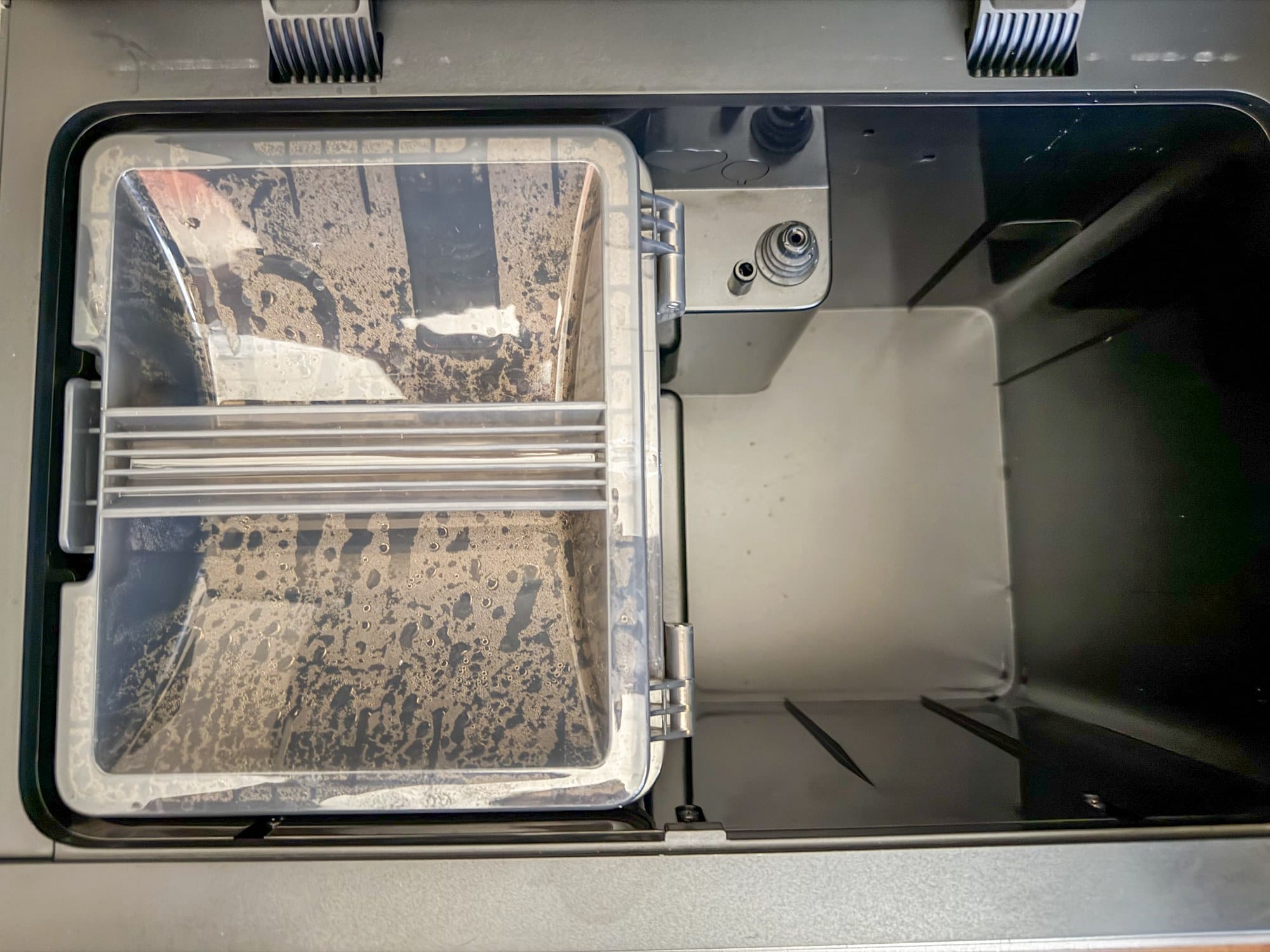
Water Tank (After Each Use)
Dirty Water Tank
Empty and rinse the tank. Gently clean the inside walls without pushing hard on the float ball.
Main Brushes, Side Brush, Water Tank and Mop Holders (Every 2 Weeks)
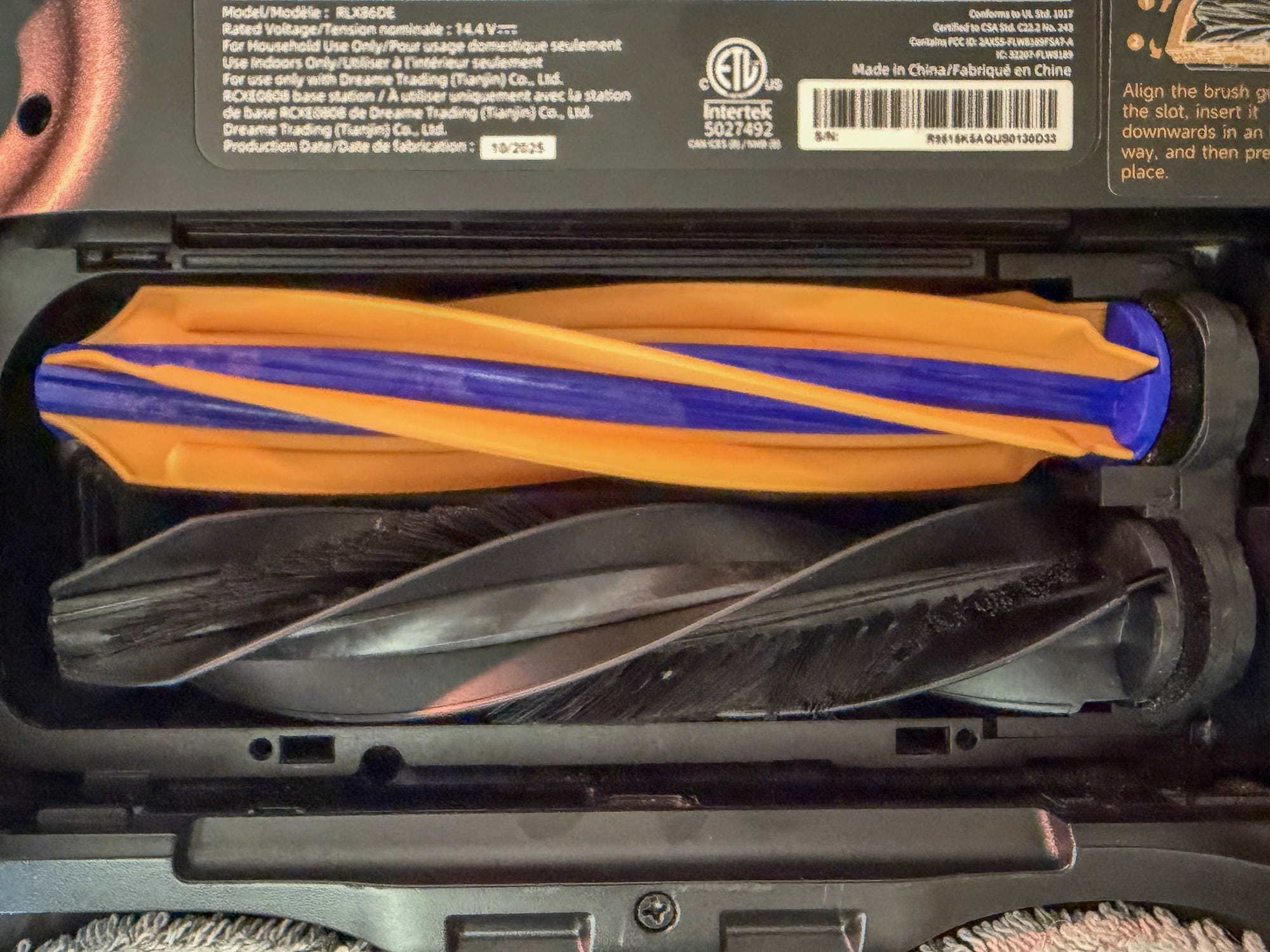
Main Brushes and Brush Compartment
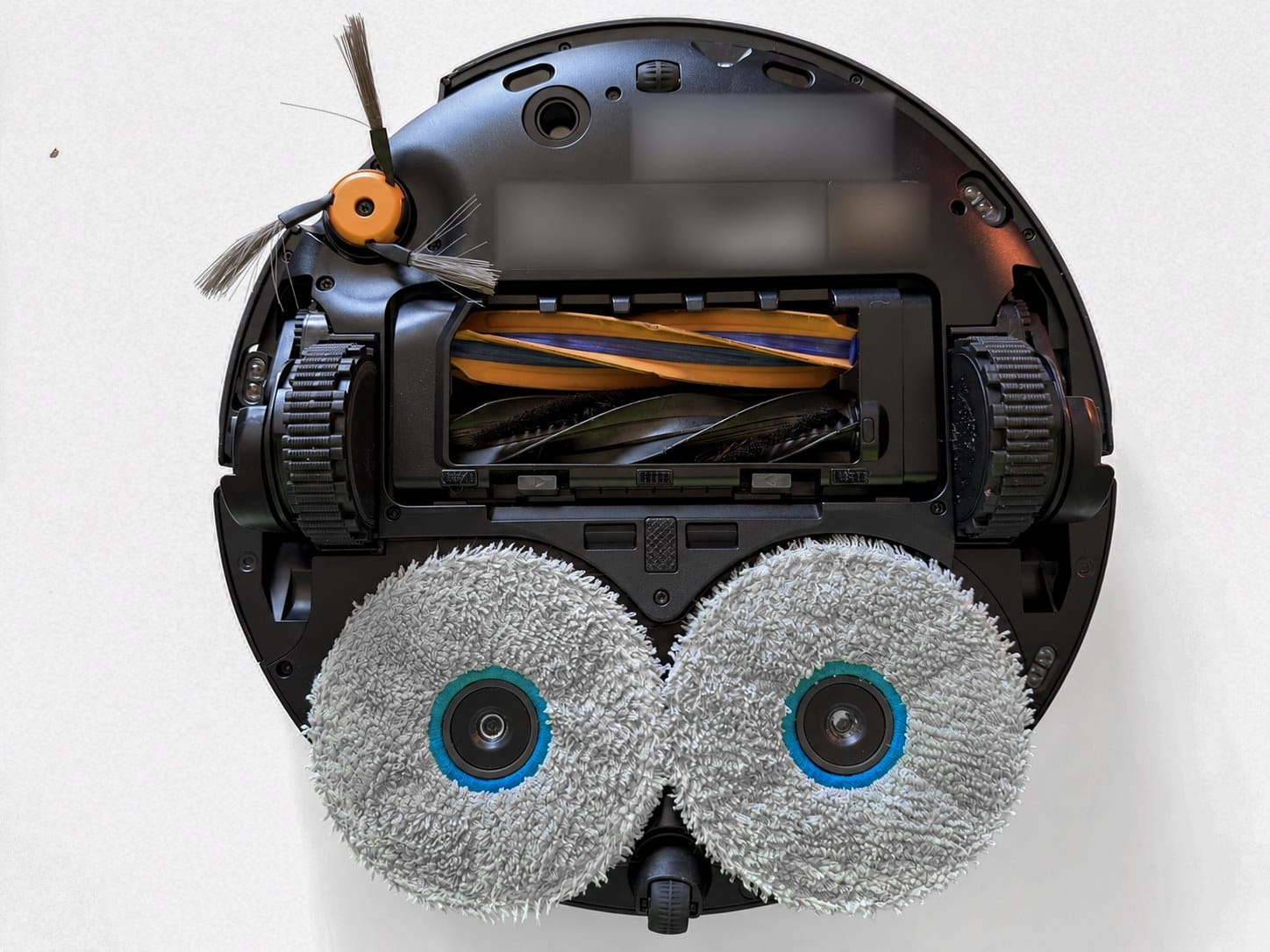
Remove the brush guard and brushes. Clear hair from the bearings, shafts and brush compartment. Put the brushes and guard back in place. Check sooner if hair builds up or the brushes get noisy.
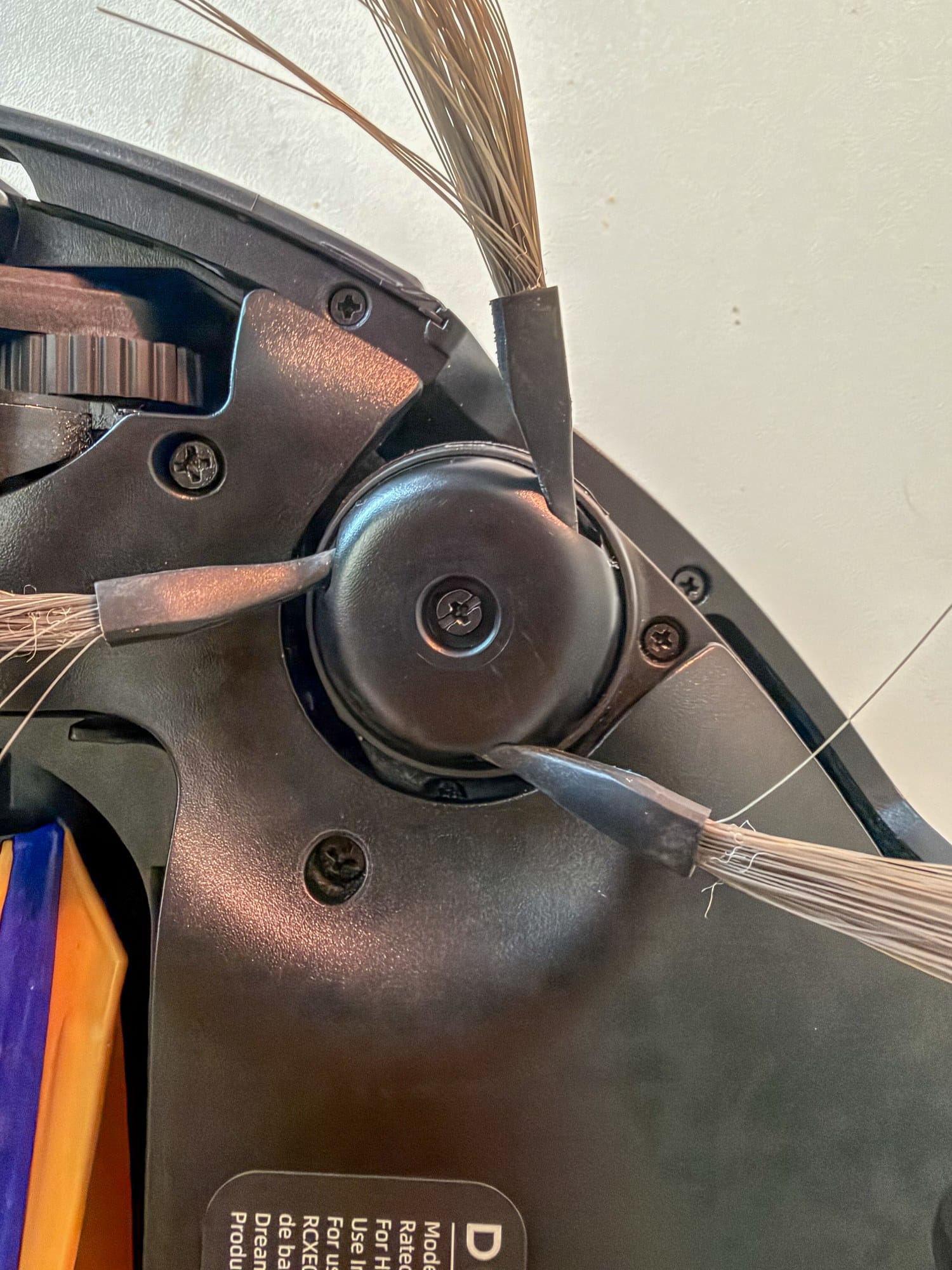
Side Brush
Unscrew the side brush, remove tangled hair and screw it back into place.
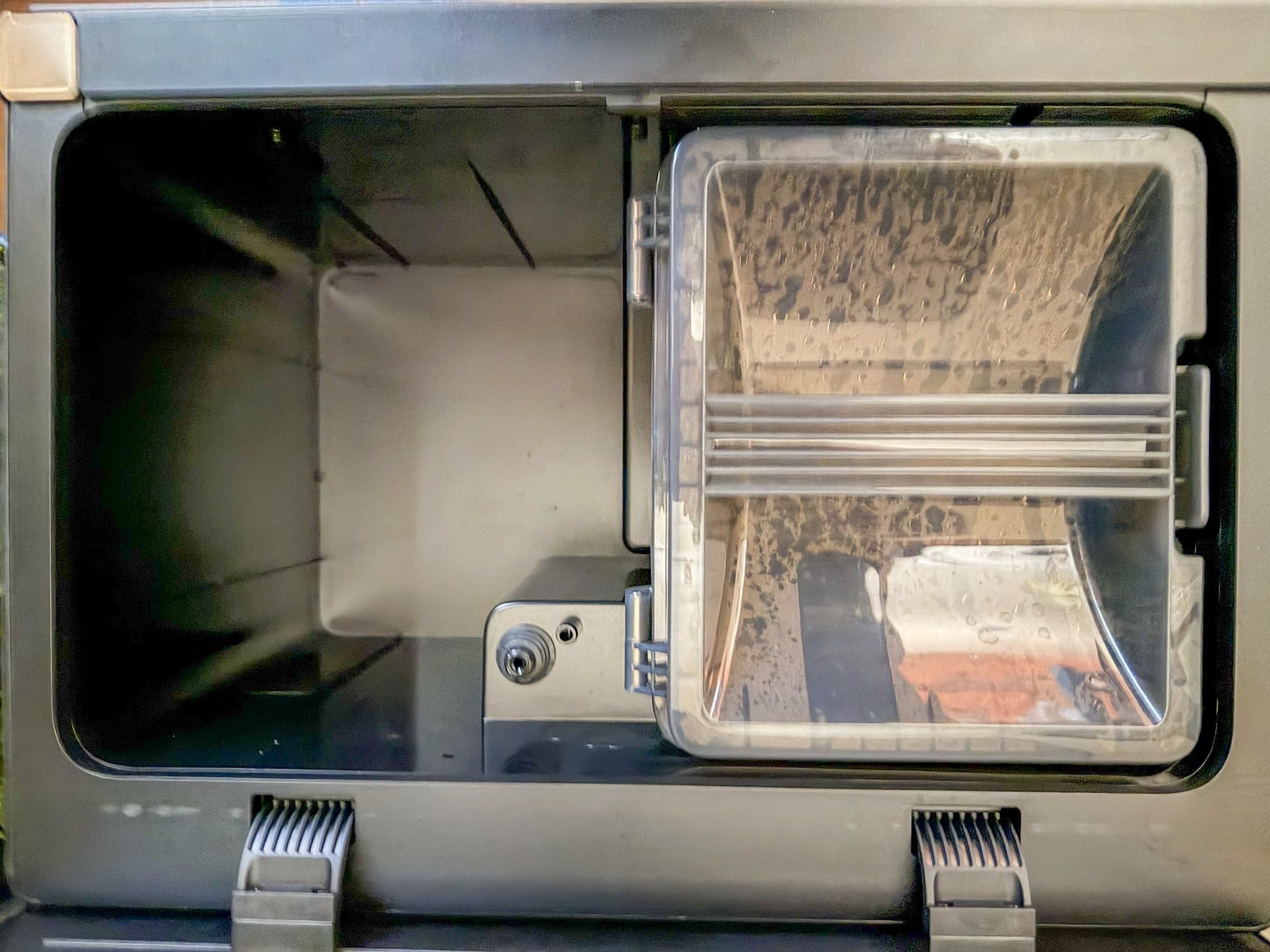
Clean Water Tank
Clean every two weeks. Refill with clean water. Do not add hot water.
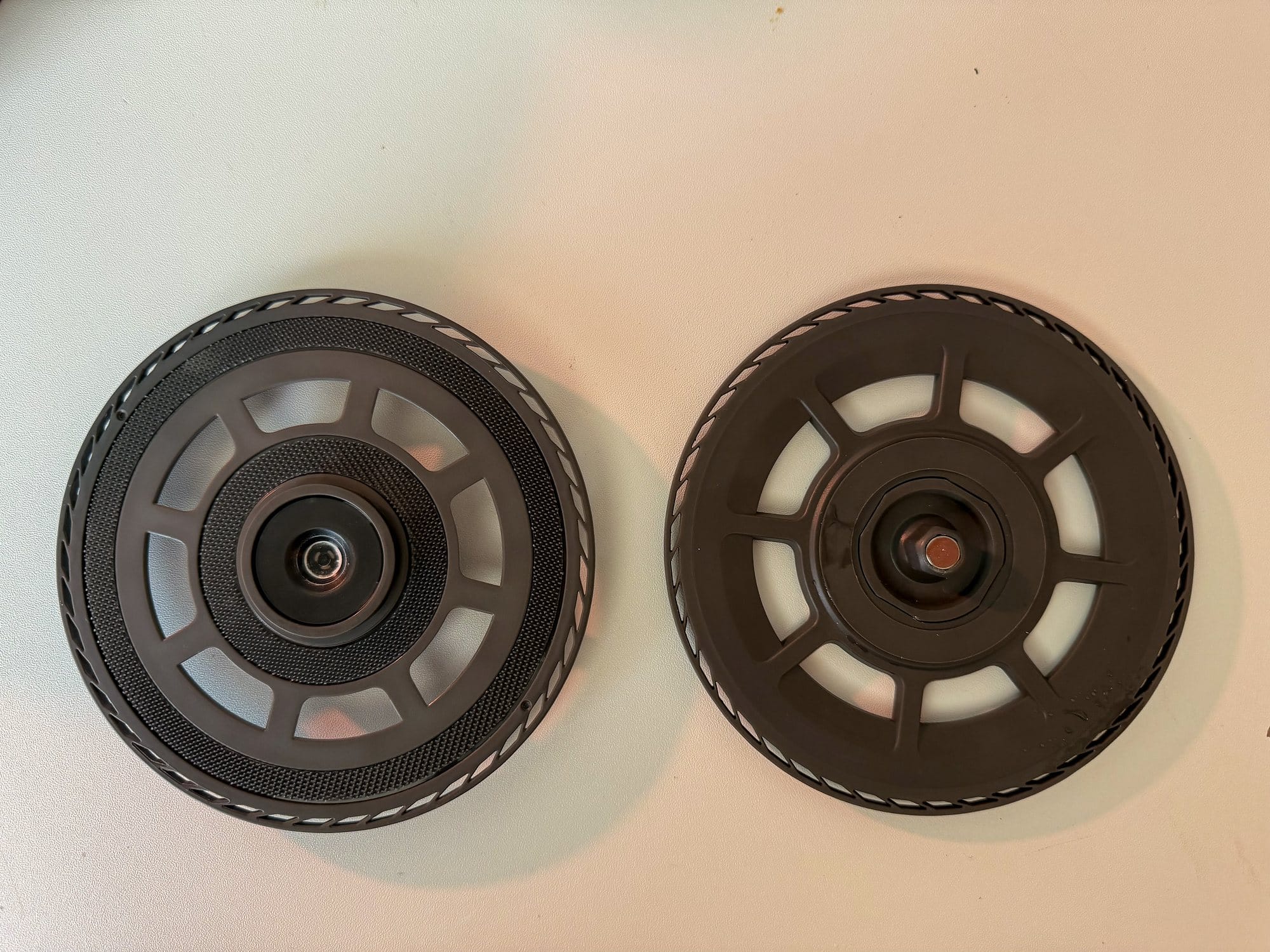
Mop Pad Holders
Remove the holders and clean them.
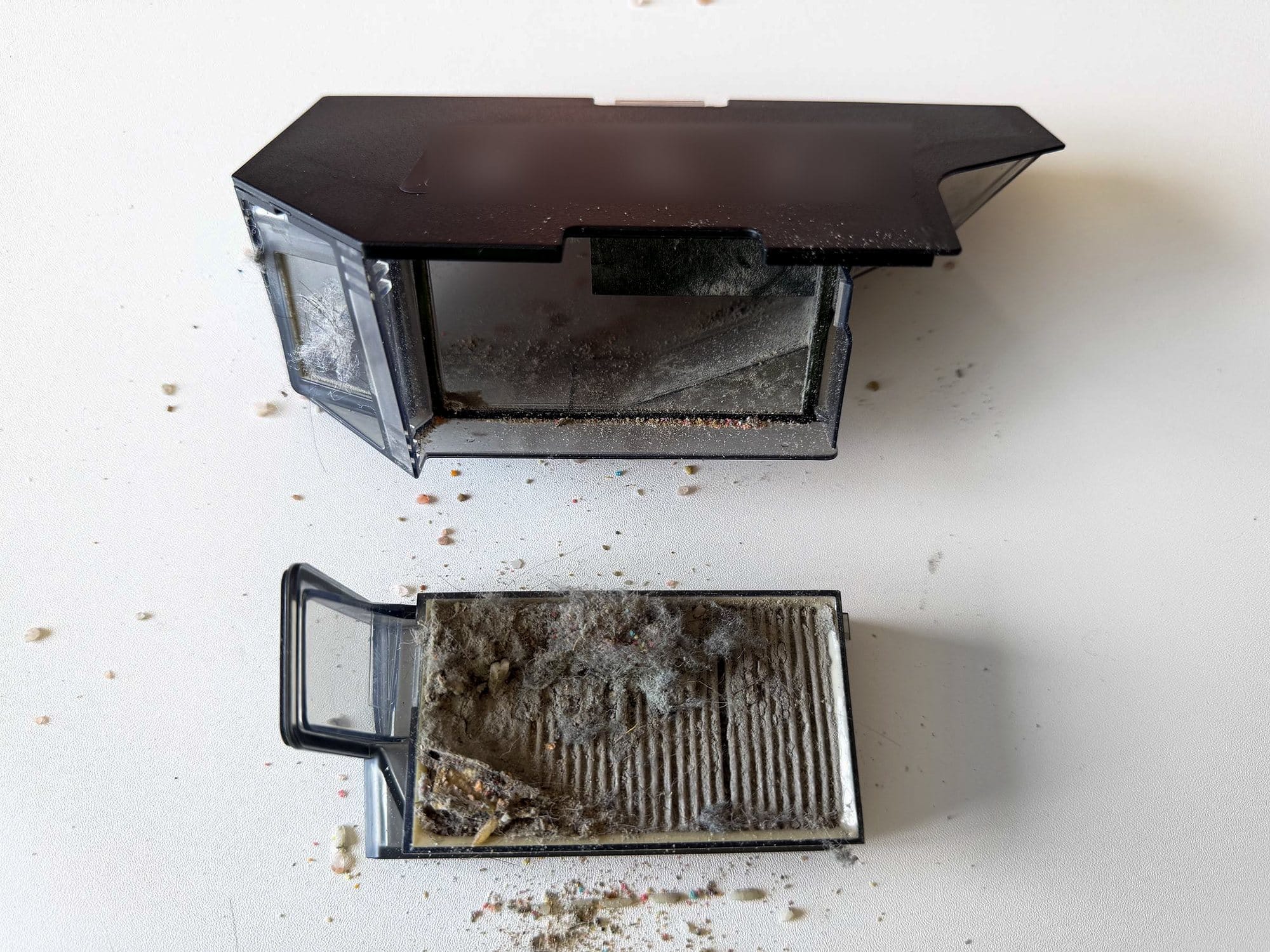
Dustbin and Filter
Empty the dustbin and gently tap the filter to loosen dust. Rinse with clean water only. Do not use detergent, brush the filter or rub it. Let it air-dry for 24 hours. Put it back only when completely dry.
Sensors, Contacts and Small Wheels (Monthly)
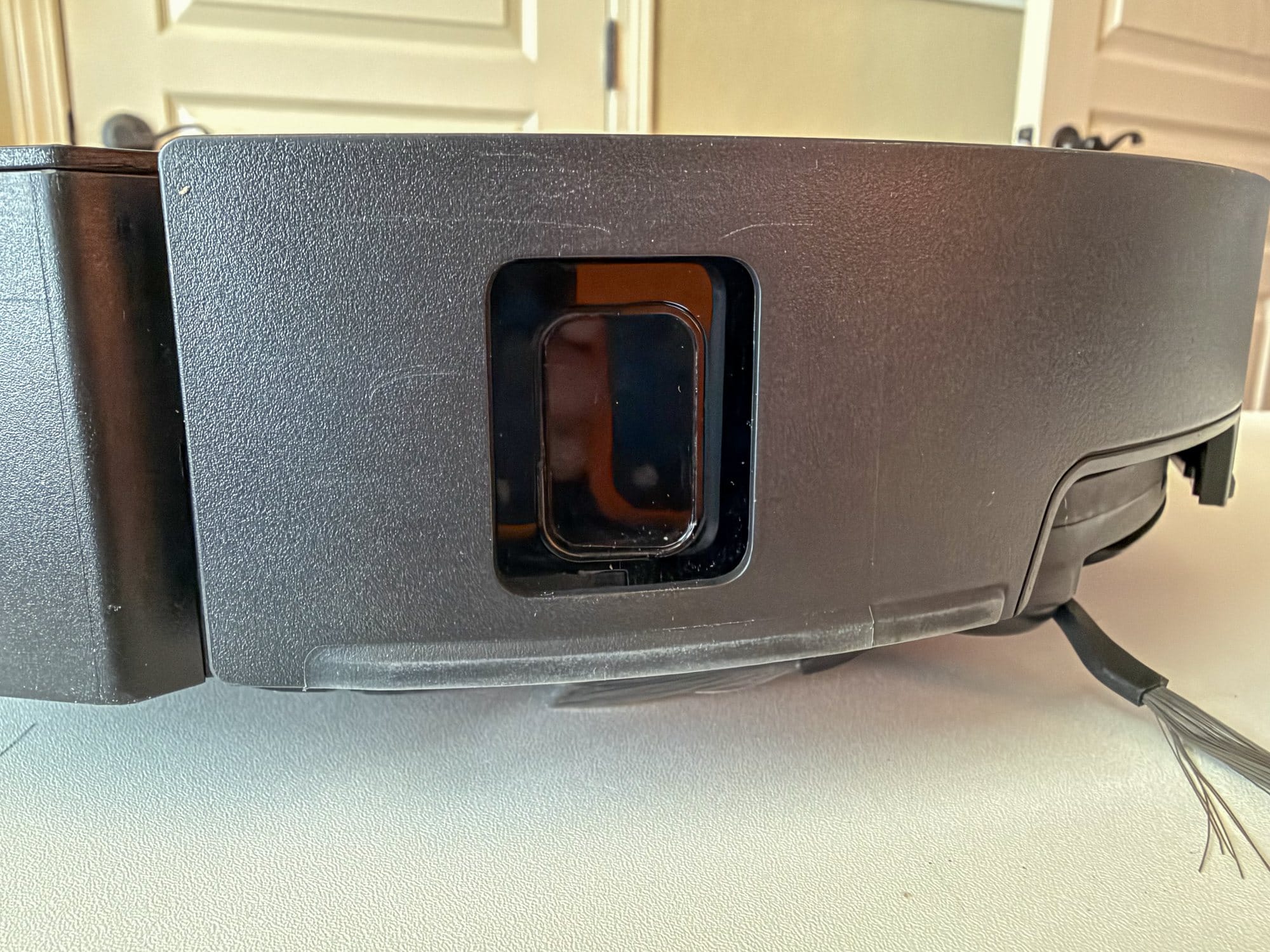
Top, Front and Side Sensors
Wipe the VersaLift sensor, bumper, bumper window and edge sensor with a soft, dry cloth.
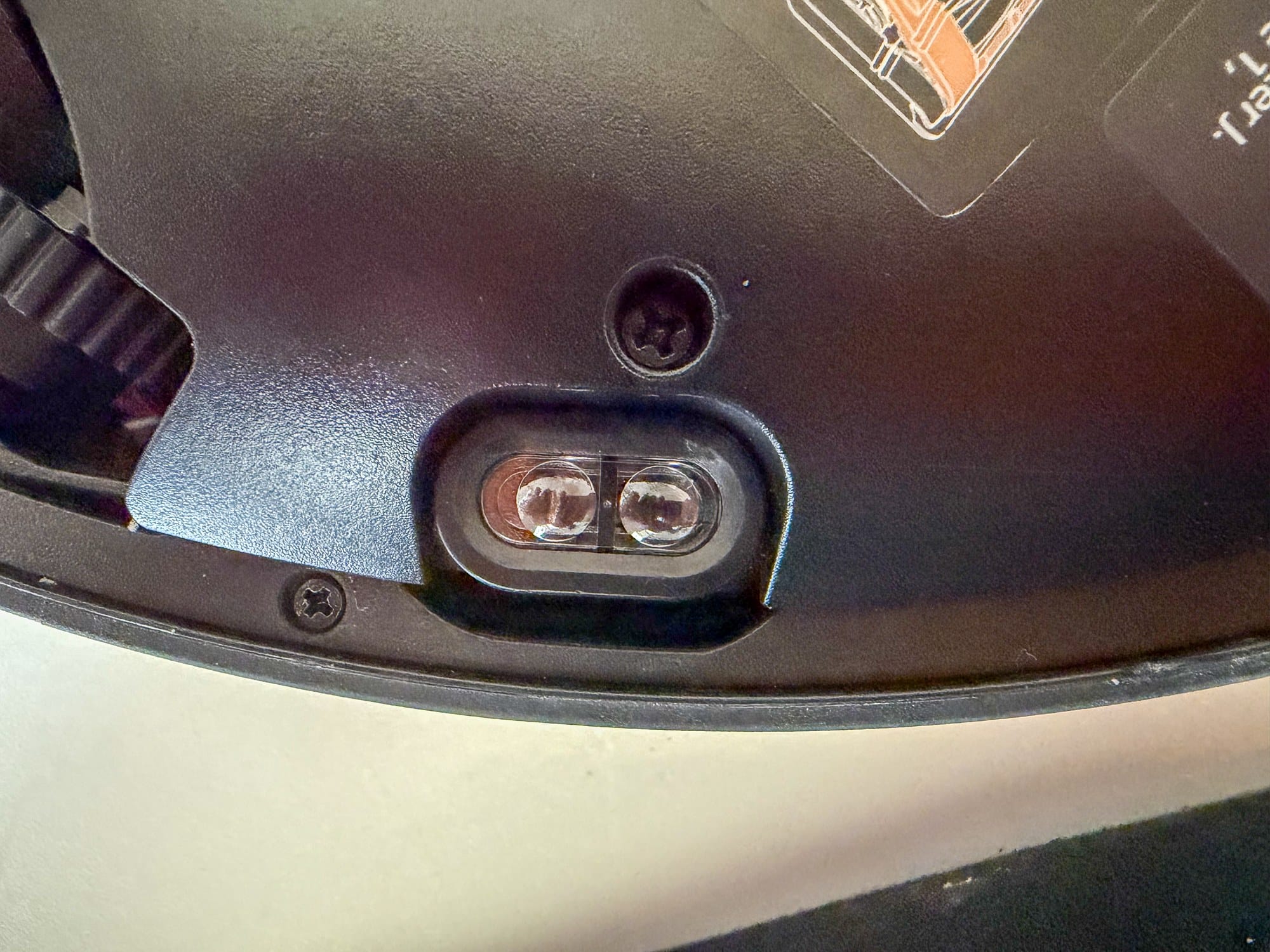
Bottom Sensors and Dust Light
Use a soft, dry cloth to wipe the cliff sensors, carpet sensor and light that helps the robot spot dust.
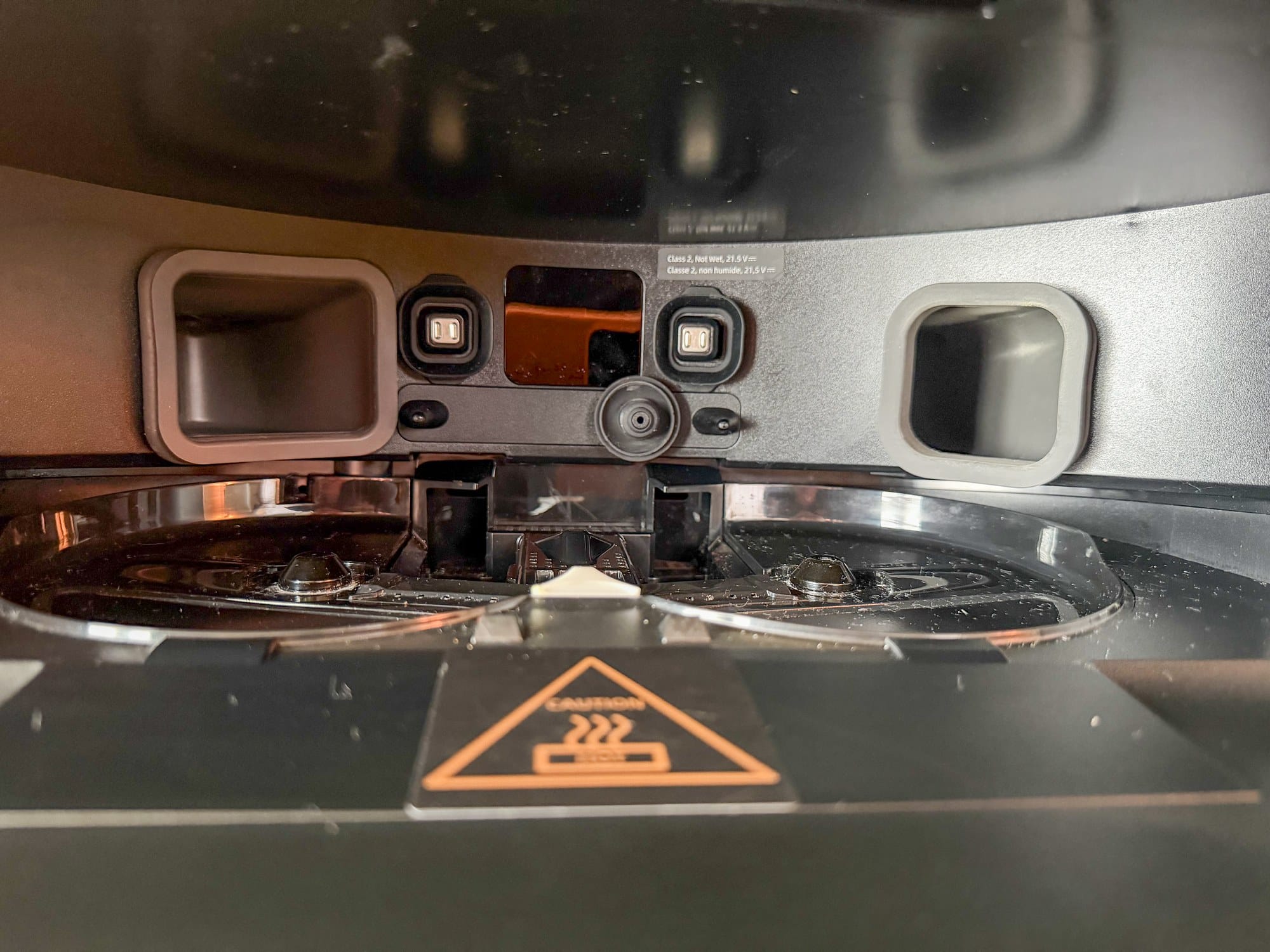
Charging Contacts and Dock Signaling Area
Wipe the charging contacts and dock signaling area with a soft, dry cloth.
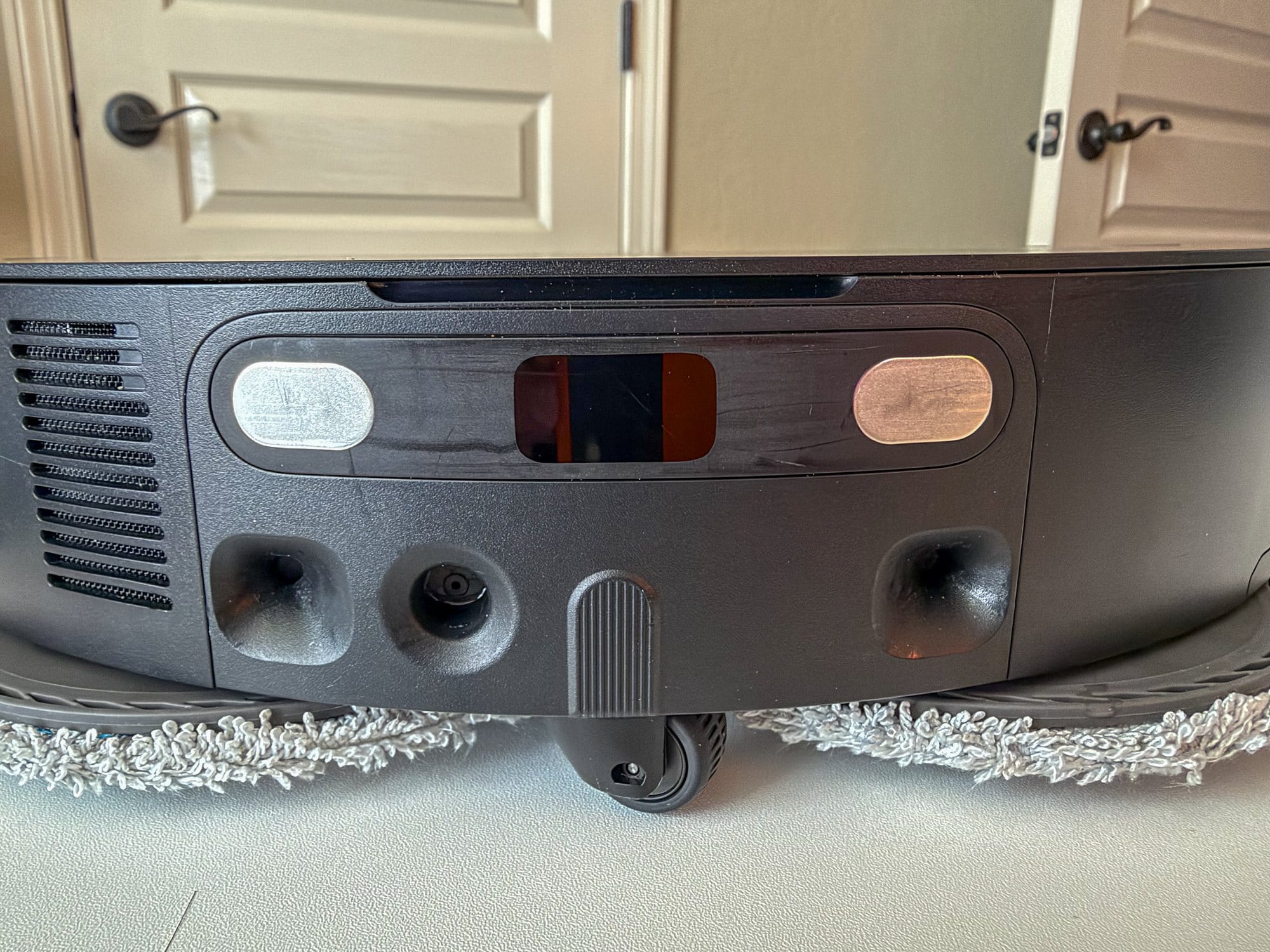
Auto-Empty Vents
Clear the robot and dock vents with a dry cloth.
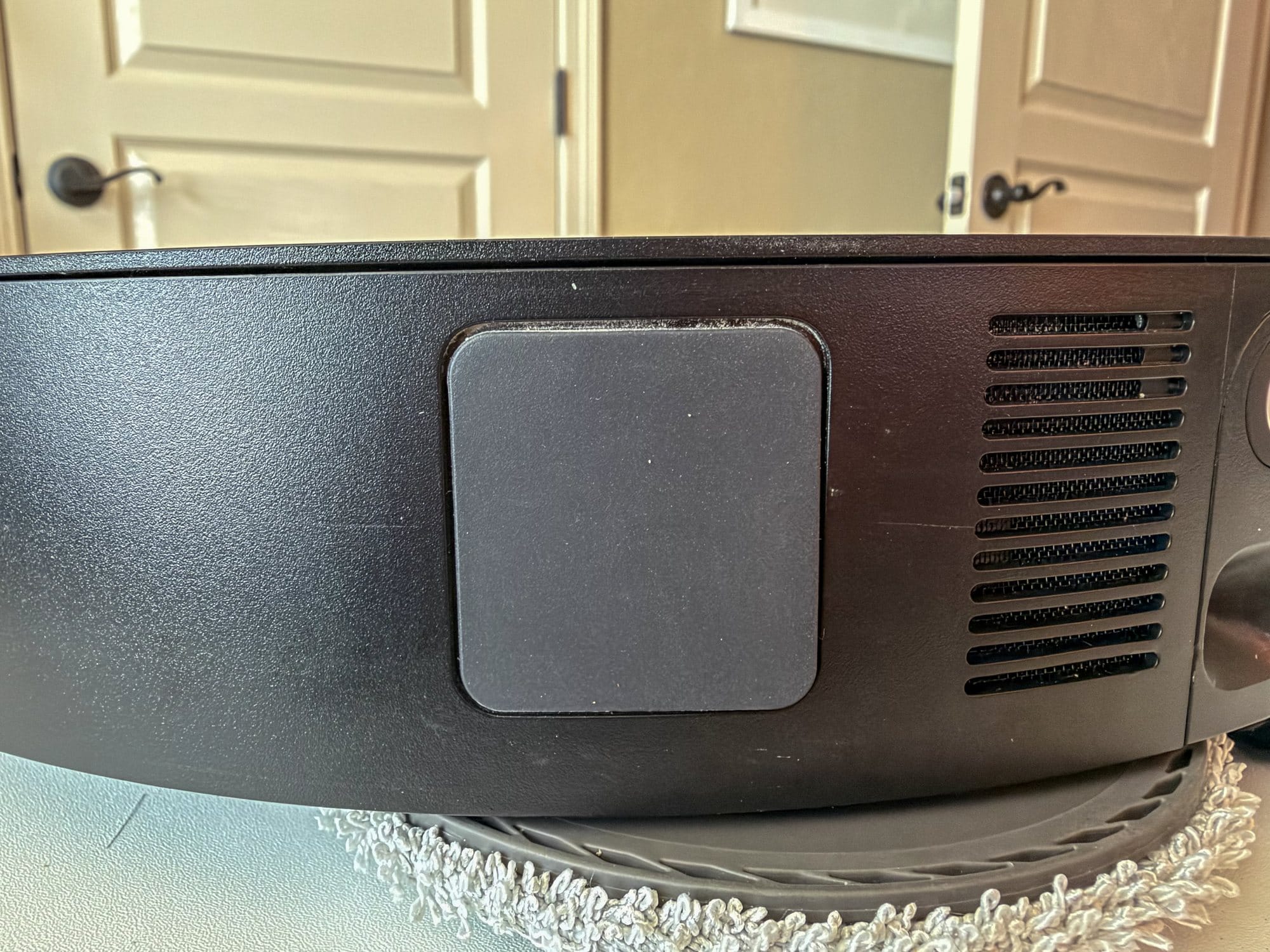
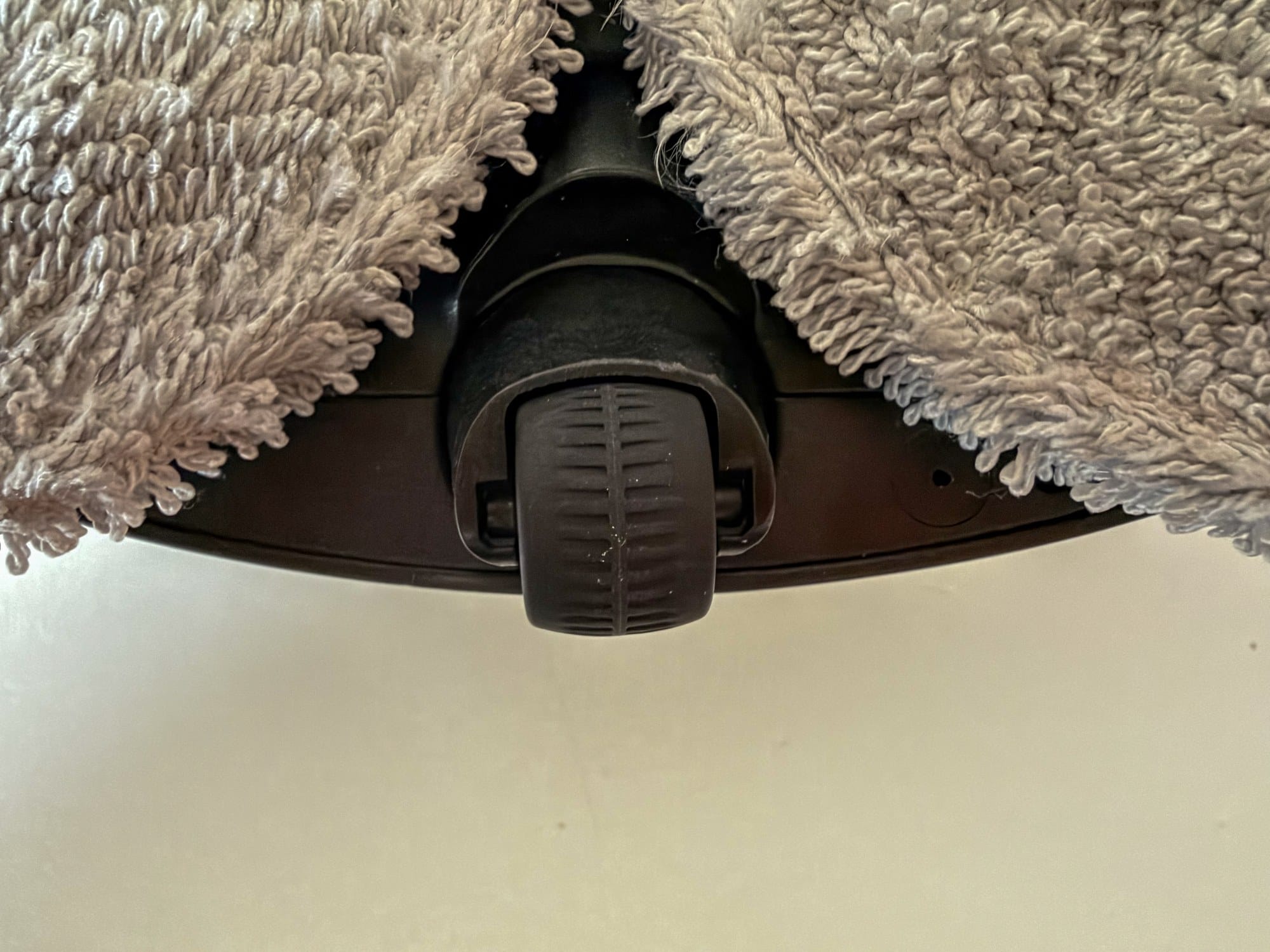
Small Wheels
Clean the small wheels every month. If you remove and rinse the wheel that turns in any direction, let it dry completely before putting it back.
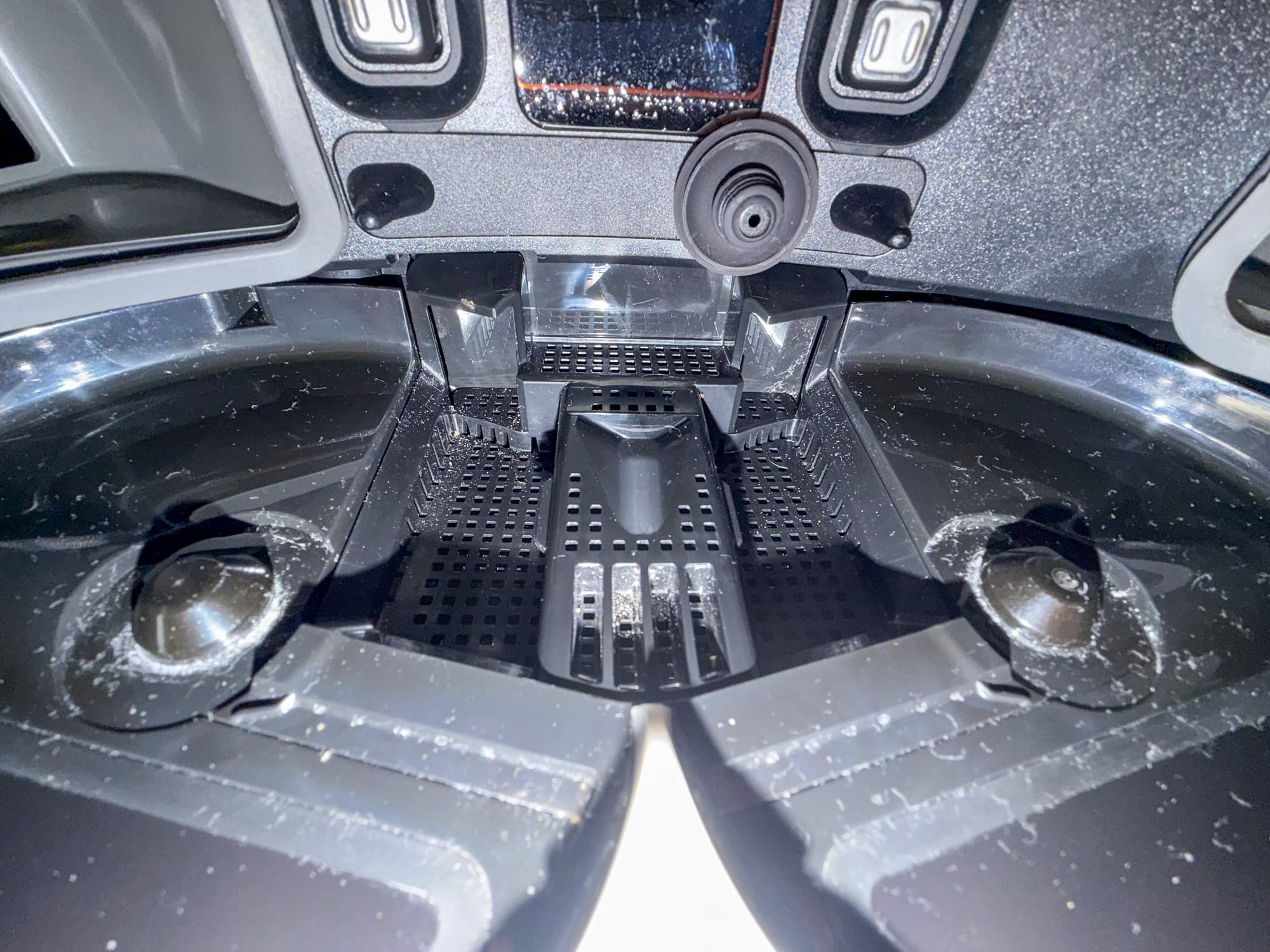
Dock Filter (Every 1-2 Months)
Washboard Filter and Drain
Let the dock cool, then remove and rinse the filter. Put it back in place. Clear anything blocking the drain.
Heating Module (Every 6 Months)
Washboard Heating Module
Let the heating module cool. Remove mineral buildup with a little white vinegar containing 5% acetic acid. Apply it only to the heating module. Keep vinegar out of the water tank.
Robot and Parts (As Needed)
Robot Underside, Main Wheels and Retractable Legs
Clean when dirty.
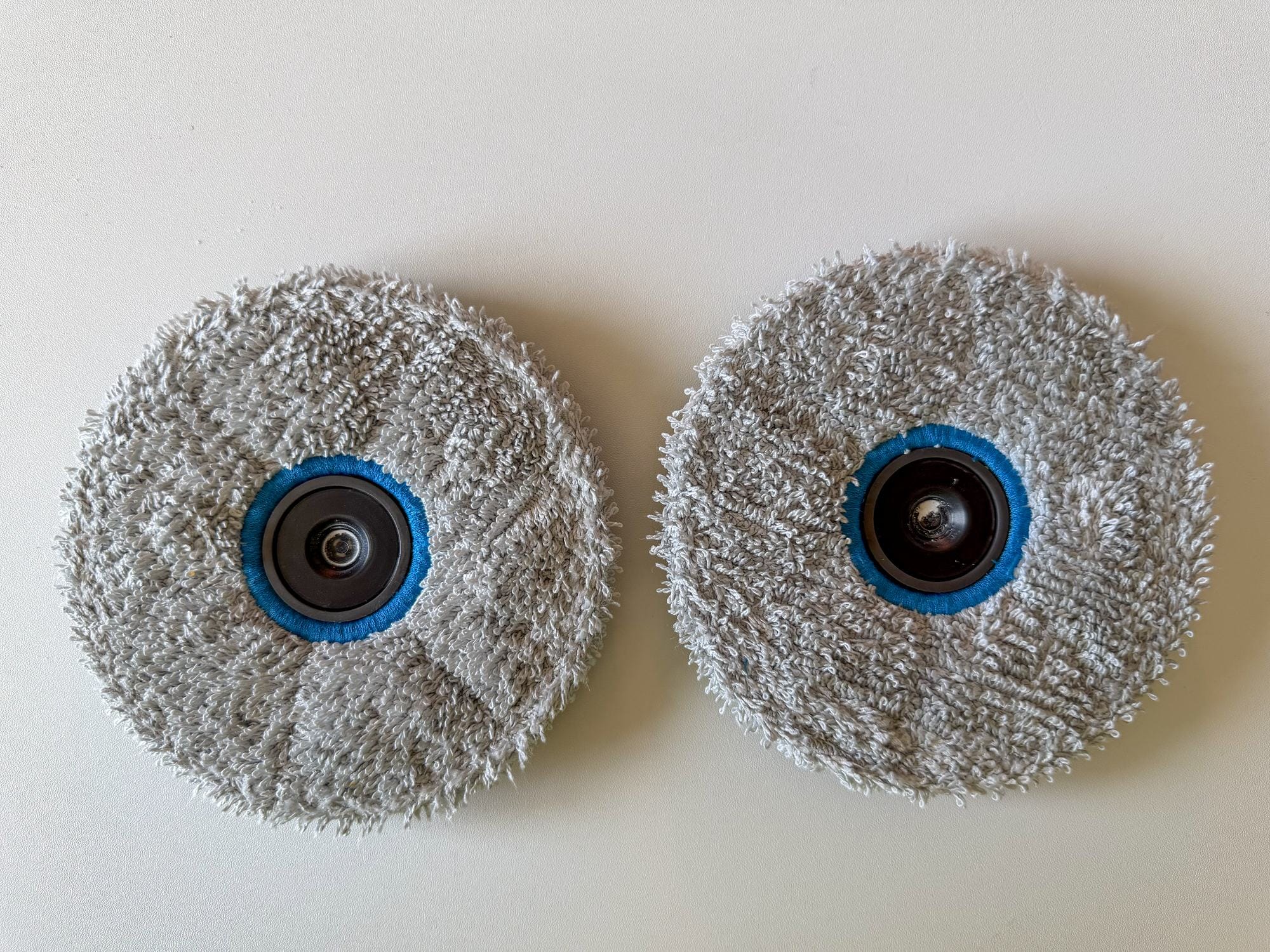
Mop Pads
Check the pads for wear. Replace them every one to three months, or sooner if worn.
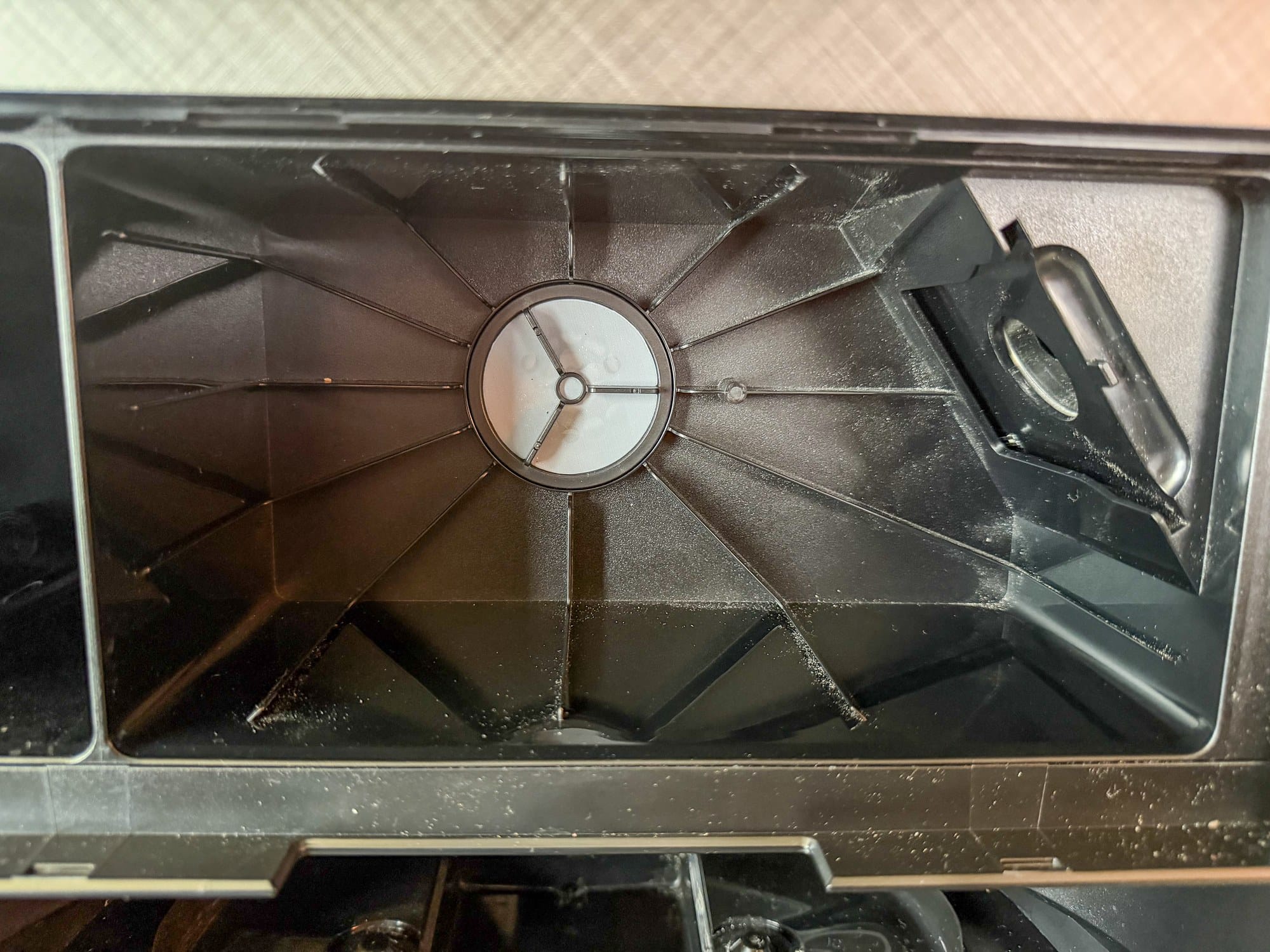
Dust Bag and Compartment
Replace the dust bag every two to four months, or sooner if full. Clear loose dust from the compartment before putting in a new bag.
Replacement Reminder
Replace the main brushes every six to 12 months and the dustbin filter every three to six months.
Replace the side brush every three to six months. Replace parts sooner if they wear out.
The Complete package ships with a spare main brush, side brush, filter, two dust bags and three pairs of mop pads, so the first round of replacements is already in the box.



