
Ecovacs GOAT A2000 LiDAR Pro First Look: Setup, Mapping and a Built-In Trimmer
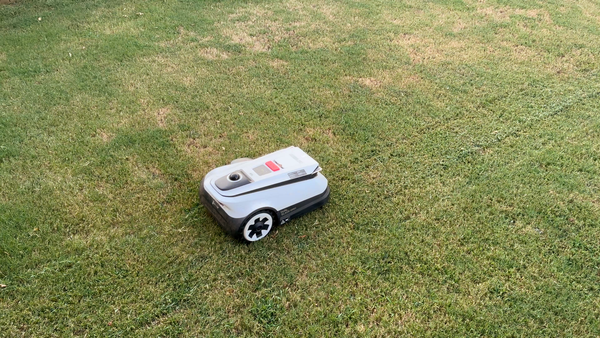
The Ecovacs GOAT A2000 LiDAR Pro combines lidar navigation, dual staggered cutting discs and a built-in string trimmer. Here are our first impressions after setup and early mowing.

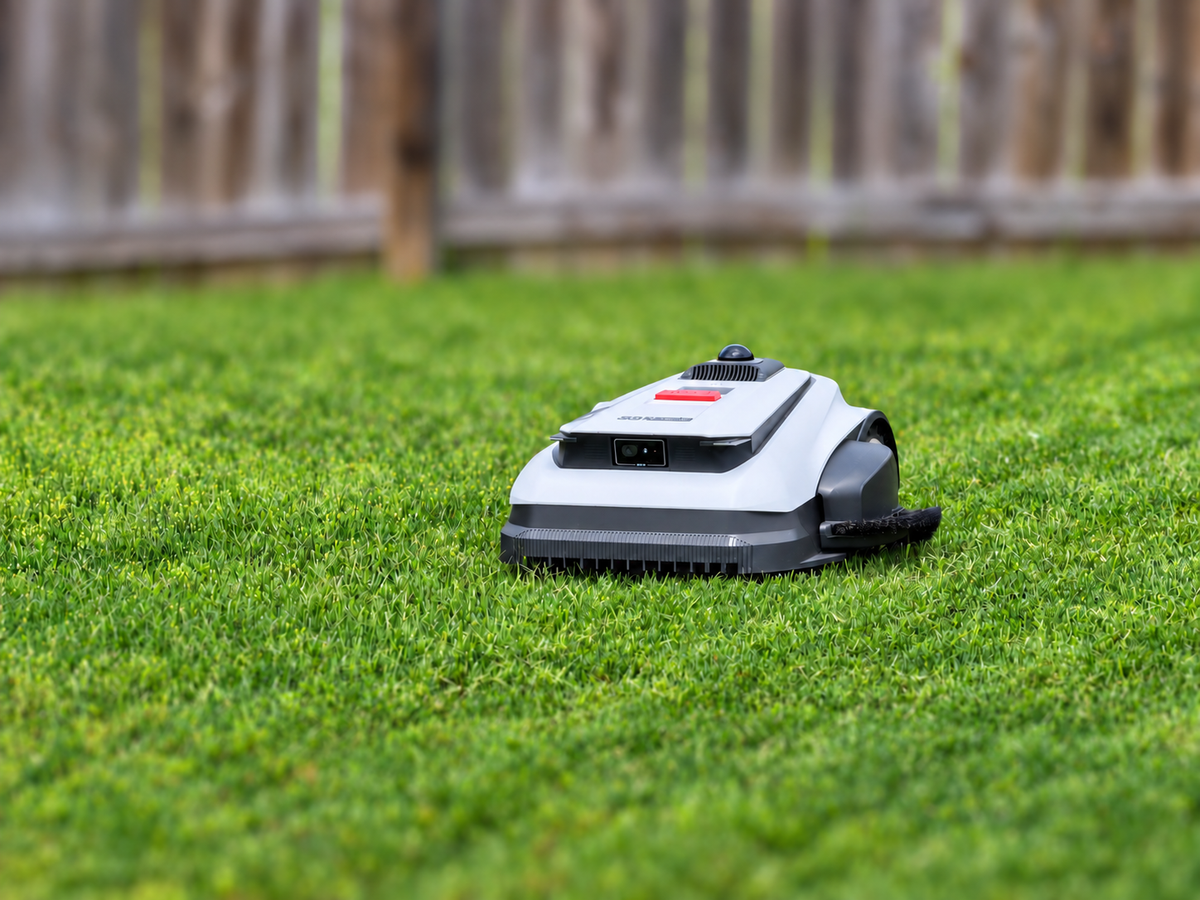
This unit was purchased for personal use, and this review is not sponsored, approved or otherwise affiliated with Ecovacs.
The Ecovacs GOAT A2000 LiDAR Pro takes a different approach to robotic mowing, combining lidar navigation with dual cutting discs and a side-mounted string trimmer designed to reduce the amount of edge work left behind.
Unlike many robotic mowers, the GOAT does not require a perimeter wire or separate RTK antenna. That makes installation relatively straightforward, although getting the map and trimming boundaries exactly where you want them still takes some time.
What's Included
Ecovacs sells the A2000 in several packages.
Our SKU included the mower, charging station, string trimmer, protective garage, additional cutting blades and extra trimmer line.
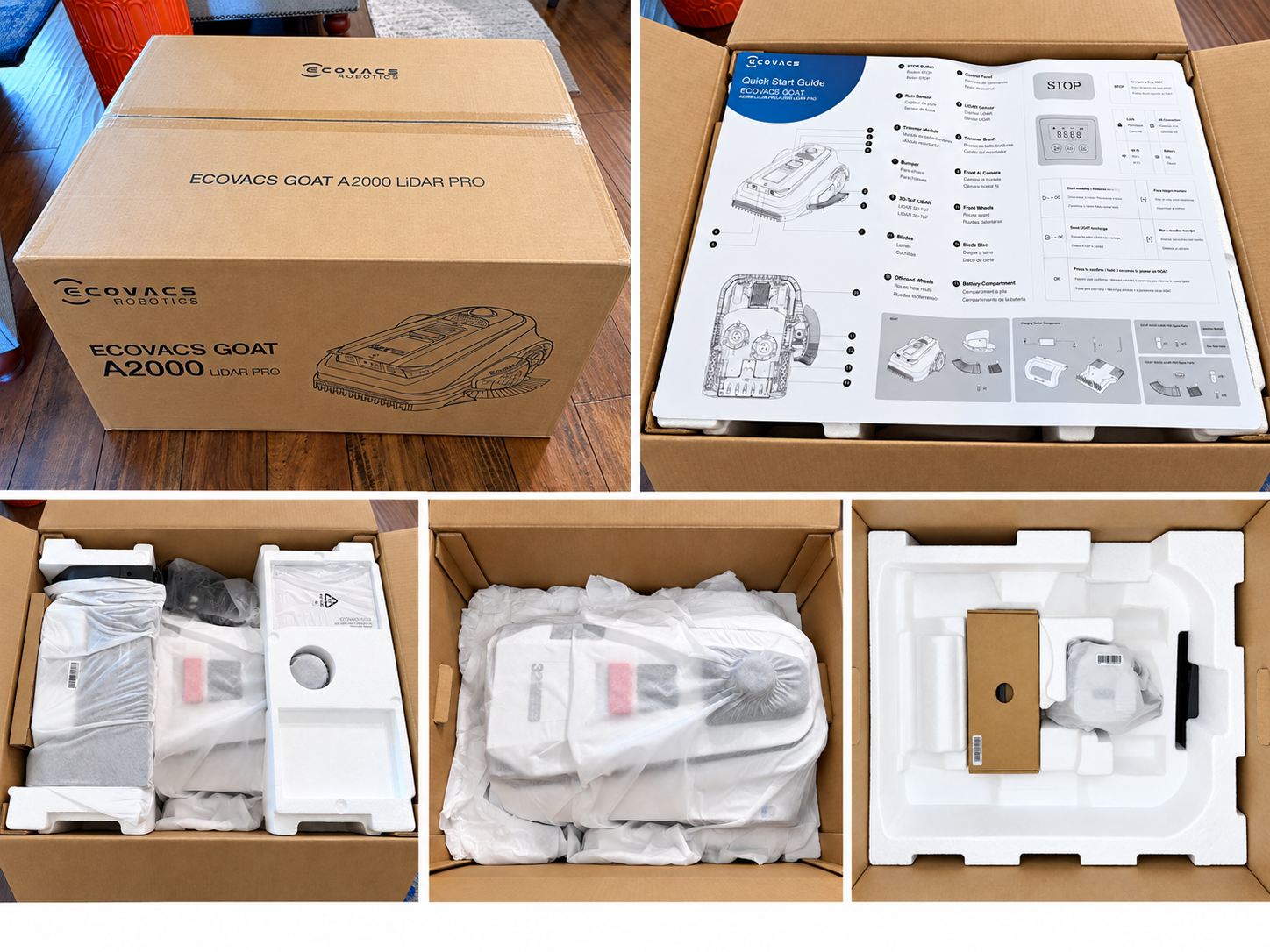
Package contents can vary, so buyers should check exactly which version they are purchasing.
Dual Cutting Discs With a Staggered Design
The A2000 uses two cutting discs with three pivoting blades on each disc, giving it a cutting width just under 13 inches.
What makes the setup more interesting is how those discs are positioned. Ecovacs uses a staggered layout so the cutting paths overlap instead of running directly side by side, helping prevent a narrow strip of uncut grass from being left between the discs.
Cutting height is electronically adjustable from 1.2 to 3.5 inches through the Ecovacs Home app.
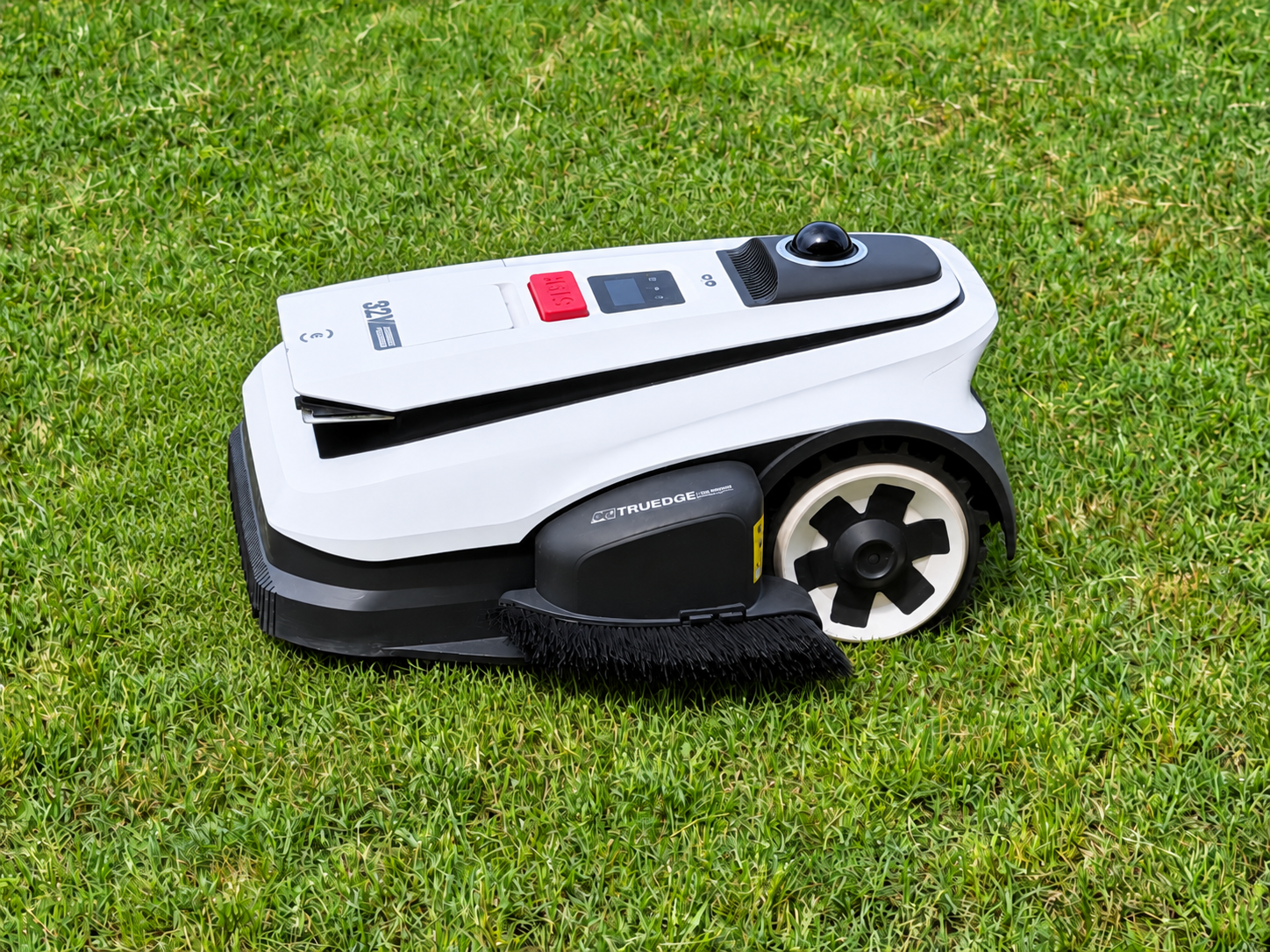
The A2000 also includes a side-mounted string trimmer with a 7.1-inch cutting width. It operates separately from the main cutting discs and can be assigned to specific sections of the lawn.
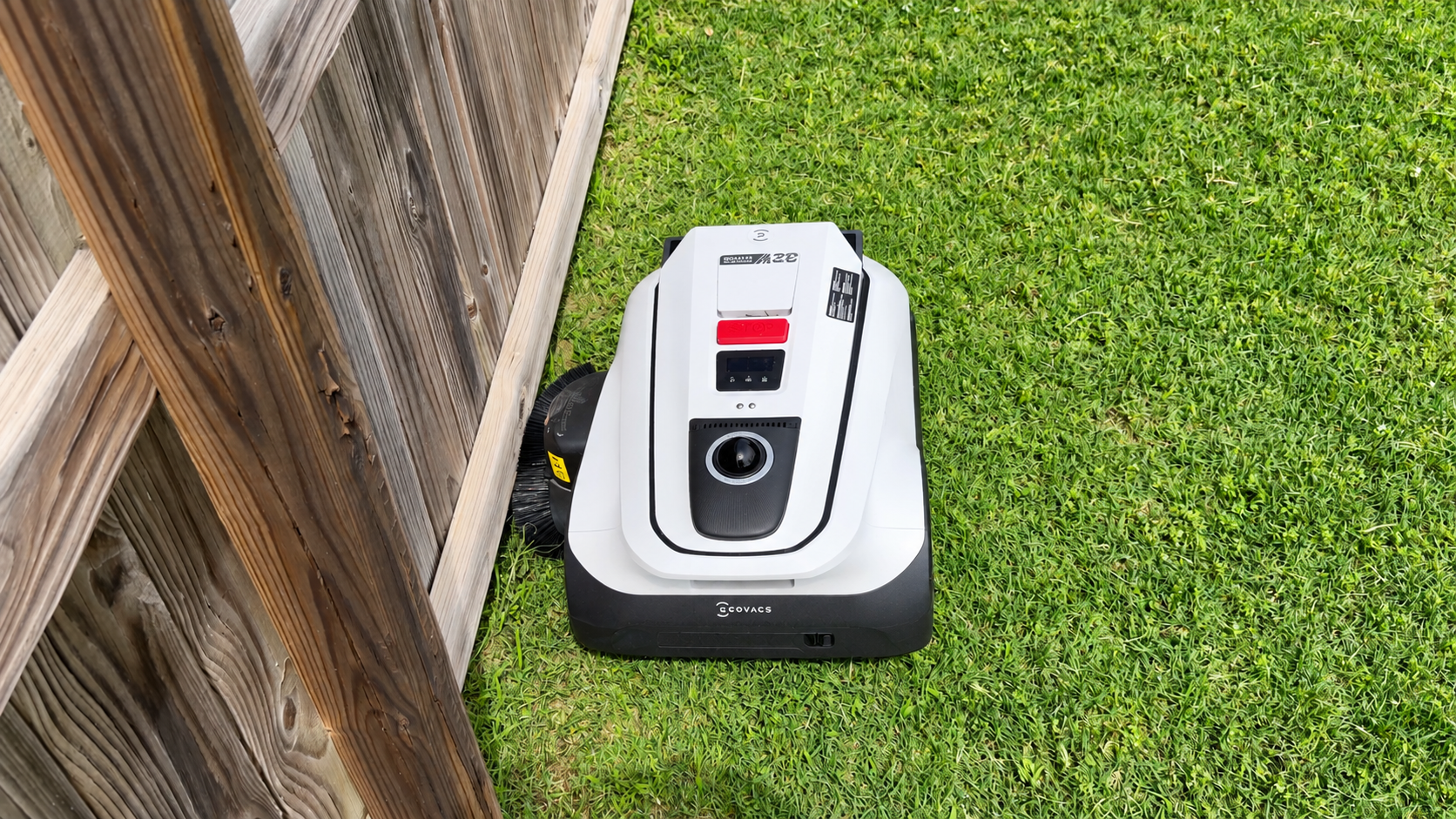
The trimmer module must be installed before use, but it is included with the mower.
Lidar Navigation Without an RTK Antenna
The GOAT uses a rotating 360-degree lidar sensor for positioning, along with a forward-facing 3D time-of-flight lidar sensor and camera for obstacle detection.
Because there is no separate RTK reference station, owners have more flexibility when choosing where to place the charging station.
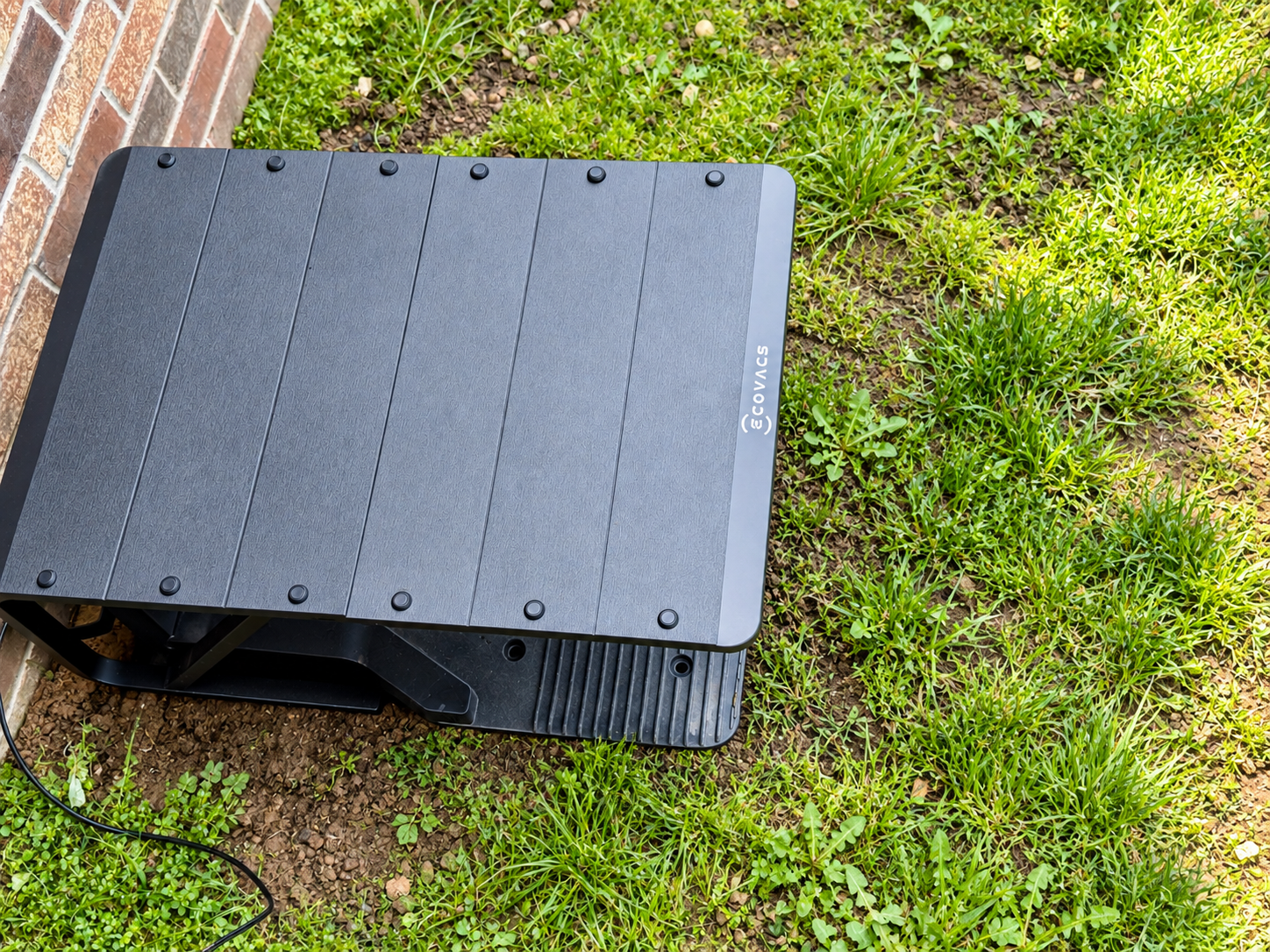
Installation was straightforward. The dock is secured to the ground using the included anchors and Allen wrench and requires access to power.
Once the lawn has been mapped, however, the charging station should stay in place. Moving it requires remapping the lawn.
Mapping Takes Some Time
Initial mapping starts by remotely driving the GOAT around the lawn.
When the mower detects a clear grass-to-non-grass boundary, the app can offer an Auto Mapping option that allows it to follow that portion of the boundary on its own.
But we completed the entire mapping process manually, giving us more control over exactly where the boundary was placed. That is especially important for getting the most out of the trimmer.
Once the initial map is complete, Ecovacs allows owners to make changes without remapping the entire property.
Areas can be added, divided, combined, renamed or deleted. Paths and no-go zones can also be created, although they must be mapped by manually driving the mower.
The process is not difficult, but lawns with irregular boundaries or several separate sections will take some time to configure properly.
The Ecovacs Home App
The Ecovacs Home app is straightforward and easy to navigate.
The main screen includes auto, area, trimming and manual modes. Auto mows the full mapped lawn, area targets specific sections, trimming handles selected boundaries and manual lets you drive the mower over Bluetooth.
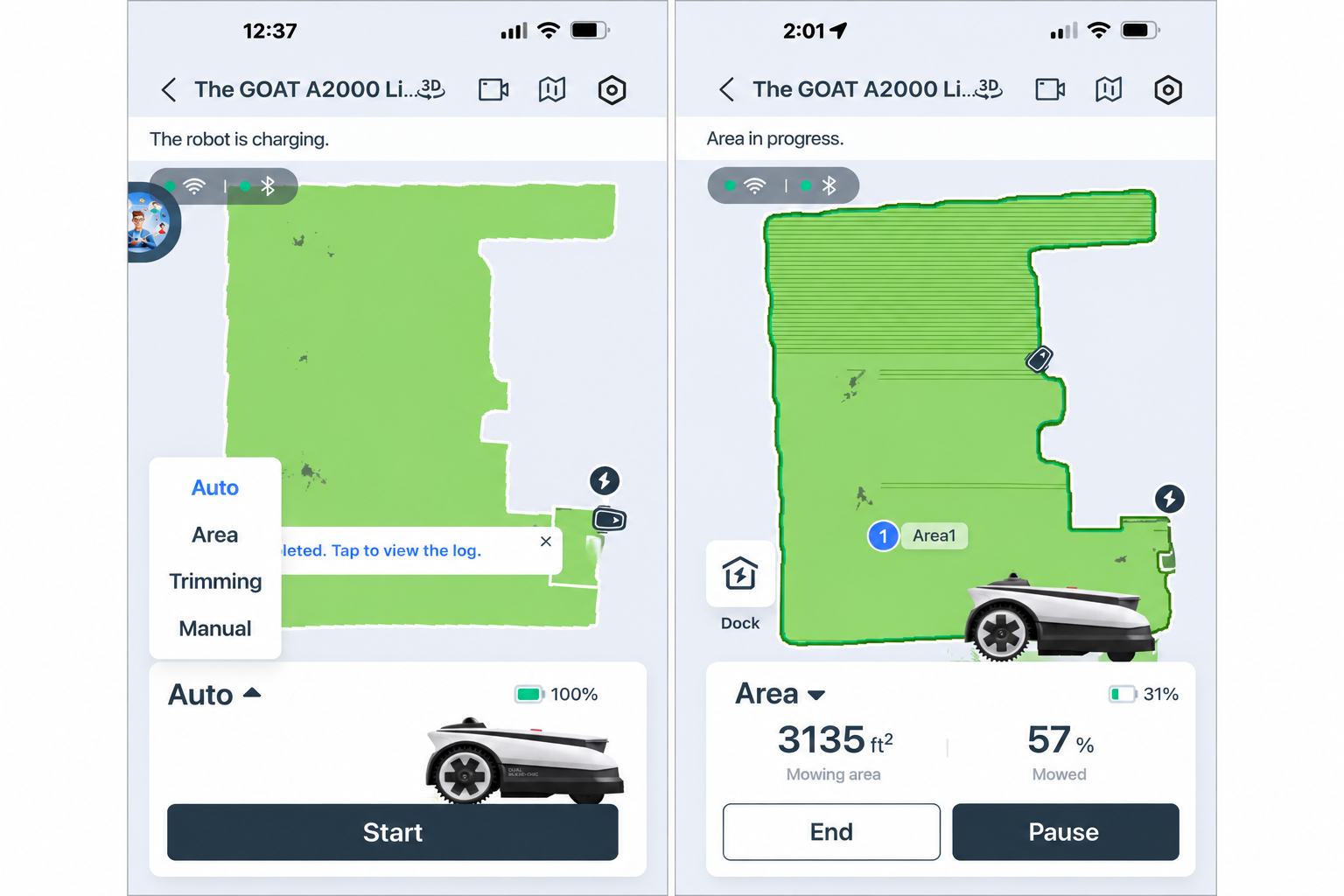
Individual mowing areas can have their own cutting height, mowing direction, speed and obstacle avoidance settings.
There is also an option to automatically change mowing direction each week, allowing the mower to travel in one direction during one week and perpendicular to it during the next.
Automatic scheduling is available, although we prefer to start our robotic mowers manually because sudden summer downpours can quickly leave our clay soil waterlogged and muddy.
The A2000 also has a rain sensor and adjustable rain delay. When rain is detected, the mower can return to the charging station and resume after the configured delay.
Wi-Fi handles normal app control, including remotely starting a mowing job. Bluetooth is only required when directly driving the mower for tasks such as mapping, manual mowing or creating no-go zones.
The app covers the basics well, although it is not as full featured as mower apps from MOVA or Eufy.
Other manufacturers provide additional mowing patterns such as checkerboard and crisscross, along with more customization for individual areas.
AI Obstacle Avoidance With 3D ToF Lidar
The A2000 uses its front camera and 3D ToF lidar for obstacle avoidance.
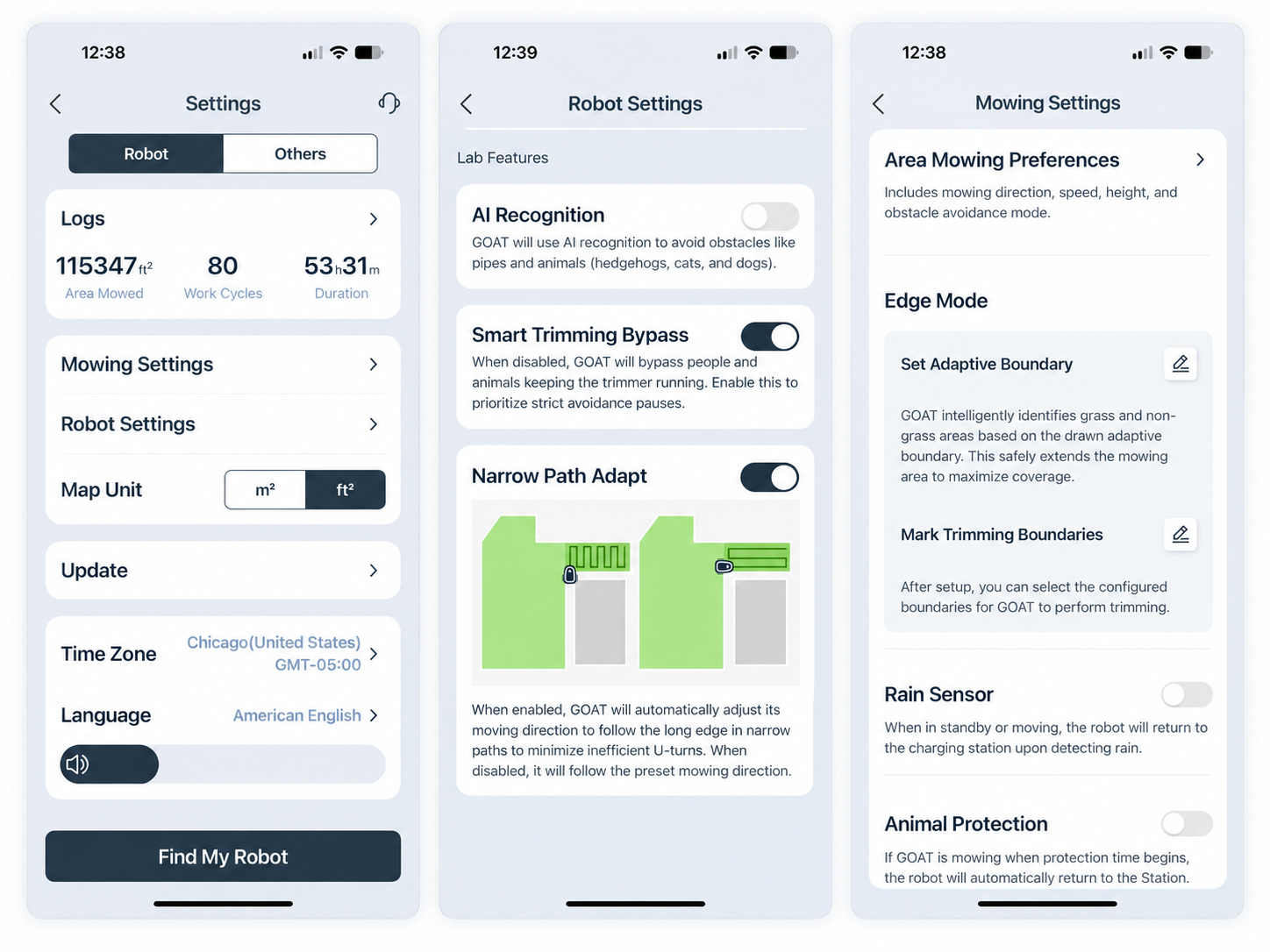
The optional AI Recognition feature goes a step further by identifying certain objects in the mower's path instead of simply detecting that something is there.
Ecovacs says the system can avoid more than 200 types of obstacles.
AI Recognition remains a Lab feature, Ecovacs' label for experimental functions still in testing.
No-go zones can also be created for areas the mower should avoid completely.
Low-avoidance areas work in the opposite direction. They allow the mower to be less cautious in sections where taller grass, low branches or other harmless obstacles might otherwise cause it to leave grass uncut.
Narrow Path Adapt
Narrow Path Adapt is another Lab feature designed to improve mowing efficiency in long, narrow sections of a lawn.
Instead of repeatedly crossing a narrow strip and making short U-turns, the GOAT can change its mowing direction and travel the length of the area.
That can reduce unnecessary turns in places such as side yards and create longer mowing passes.
Several Ways to Handle Lawn Edges
Ecovacs gives owners several options for dealing with the edge of the lawn.
Normal boundary mowing handles most sections, while Adaptive Boundary can identify transitions between grass and flat surfaces such as sidewalks and driveways, allowing the mower to overlap those areas for closer edge cutting.
The string trimmer is intended for areas where the main cutting discs cannot get close enough.
Owners can choose which portions of the boundary should be trimmed, and trimming can be run separately or as part of auto mode.
Safety becomes especially important because the trimmer extends beyond the main cutting system.
Ecovacs says trimming stops when the mower detects a person nearby and recommends keeping people at least 6.5 feet away.
In our early use, approaching the GOAT while the trimmer was operating caused it to stop unless Smart Trimming Bypass was enabled.
Basic Anti-Theft Protection
The A2000 uses a four-digit PIN and automatically locks if it is taken off the map, powered on or reset.
The app can also notify the owner when the mower is lifted.
Cellular connectivity is not built in, however. Ecovacs sells an optional Cellular Module Pro for owners who want an additional connection beyond Wi-Fi.
Early Impressions
Setup takes some time, especially if you want accurate boundaries and plan to use the string trimmer.
Mapping the lawn and setting up trimming areas and no-go zones takes the most effort. However, the process is straightforward, and there is no perimeter wire or separate RTK antenna to install.
Once everything is configured, the A2000 has a strong set of features for a residential lawn.
Early impressions have been positive, but there is still plenty to evaluate. The long-term review will look more closely at cut quality, navigation, obstacle avoidance, battery life, traction, edge trimming and maintenance.
It will also show how the GOAT holds up through a full summer of regular mowing in the hot, humid conditions of the southern United States.
The Ecovacs GOAT A2000 LiDAR Pro has a suggested retail price of $1,999.99 and is available from Ecovacs and select U.S. retailers.
Ecovacs GOAT A2000 LiDAR Pro
As an Amazon Associate, VacuBots may earn a commission from qualifying purchases made through this link, at no extra cost to you.
Ecovacs GOAT A2000 LiDAR Pro 5-Month Review
For our long-term results, read our Ecovacs GOAT A2000 LiDAR Pro 5-month review , covering cut quality, lidar navigation, obstacle avoidance, edge trimming, battery life, traction, maintenance and long-term reliability.
Read the 5-month review →