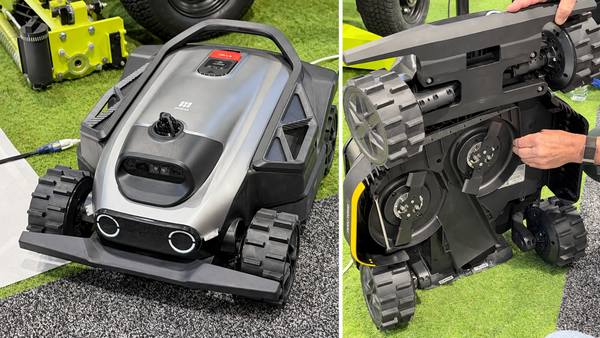
MOVA Z60 Ultra Complete Setting Guide: How to Get the Most Out of Your New Robot
The settings I use to tackle shedding, reach corners and keep the mop ready for another busy day.

Two dogs that shed like crazy and a long-haired wife can keep a robot vacuum busy. Add a little dirt from outside, and there’s usually something waiting on the floor.
When I got the MOVA Z60 Ultra Roller Complete, I went looking for the settings that would make the biggest difference in our house. I’m not going through every option here. These are the ones I found most useful, along with a corner-cleaning test that made the side-brush setting an easy choice for me.
Start With Auto-Empty and Hair Compression
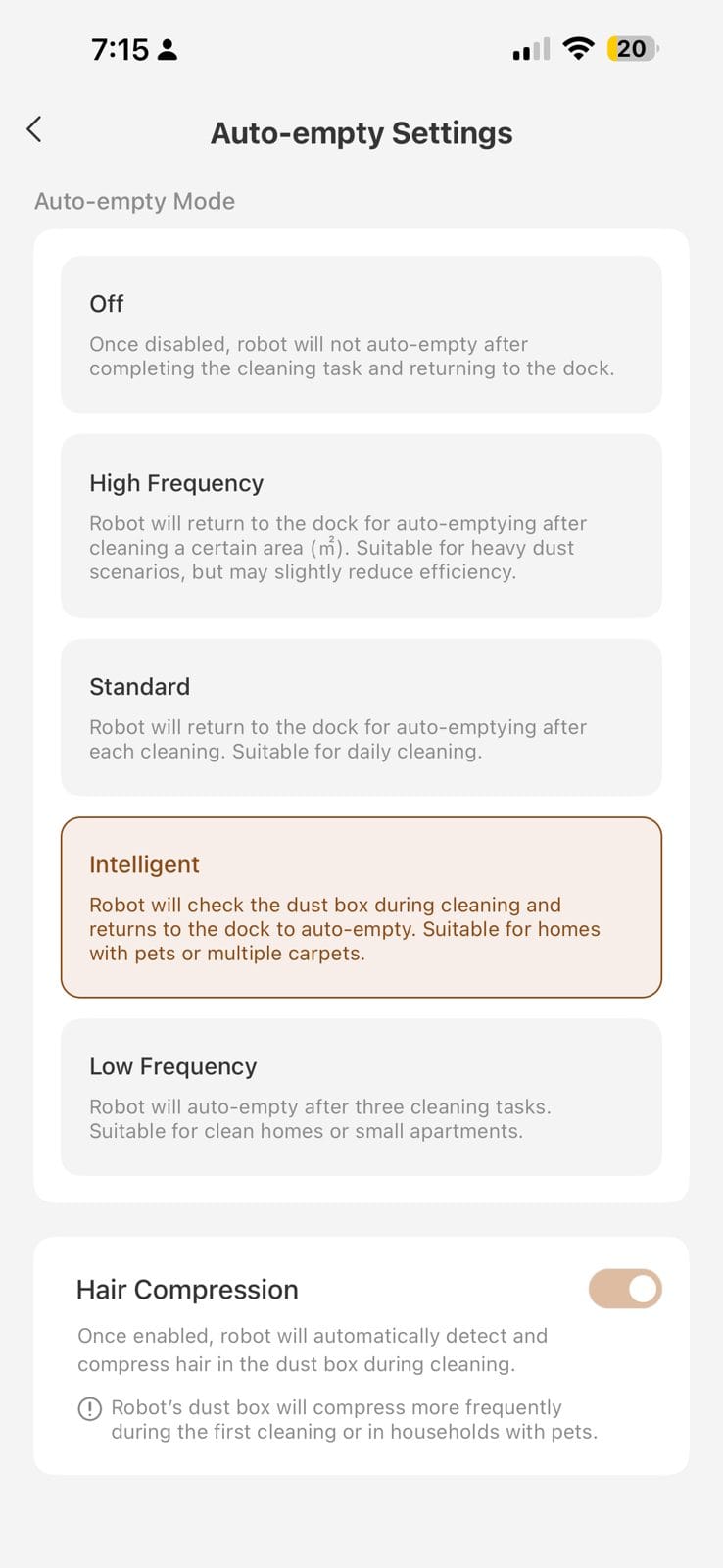
This one is big if you have pets or long-haired people at home. I set auto-emptying to Intelligent and turned Hair Compression on.
With that combination, I stopped finding the same clumps of hair left on the floor or sitting in the bin after emptying. That included a stretch when we had four dogs in the house, three of them golden retrievers. The Z60 had plenty to do.
If hair is giving your robot trouble, these are two settings I’d check first. Take a look in the bin after a run to see how well the setup is working for you.
Let the Dock Help With Mop Washing
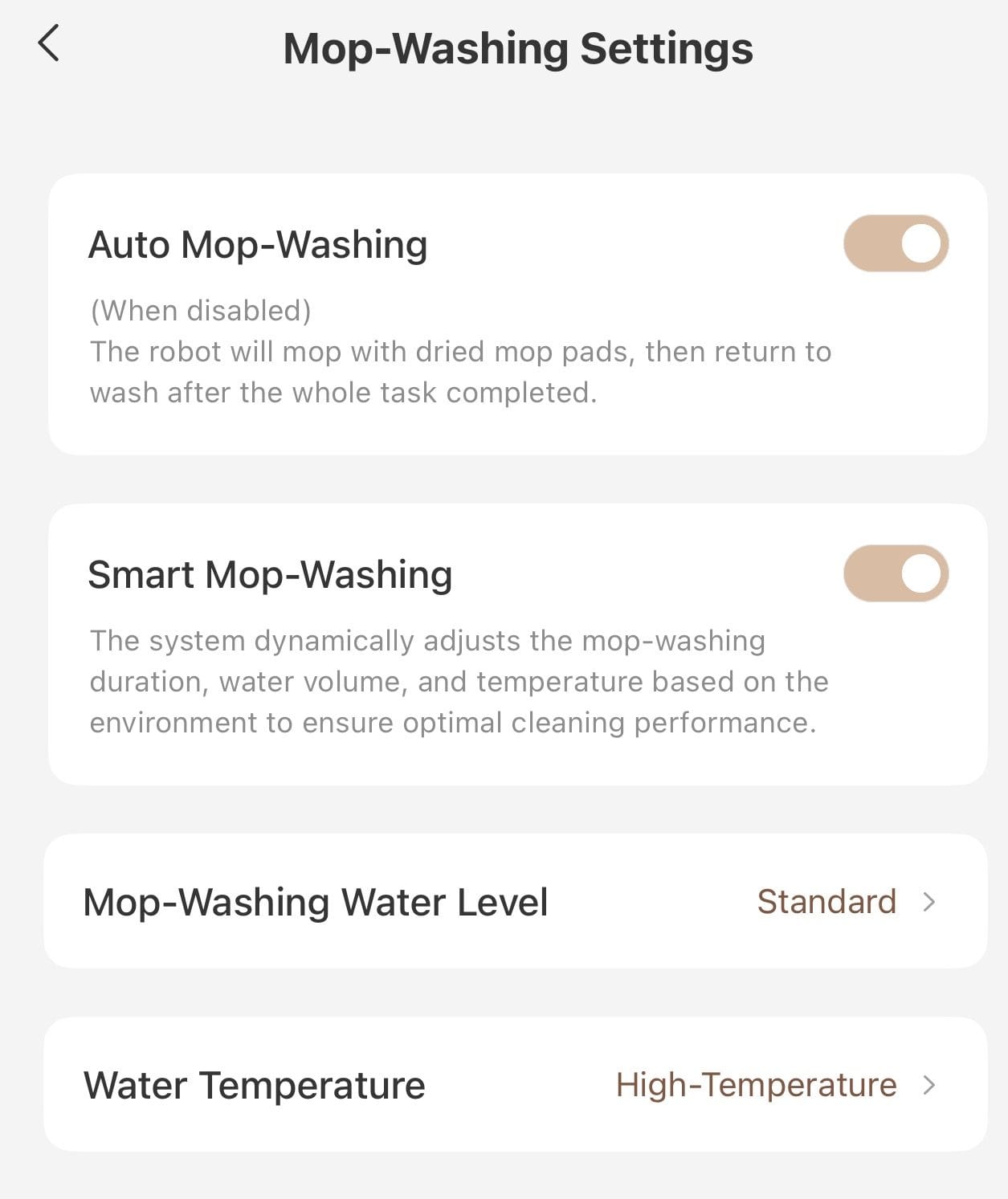
I keep Auto Mop-Washing and Smart Mop-Washing enabled, with the wash-water temperature set to high. With both people and dogs contributing to the mess, I like letting the robot handle more of the washing decisions.
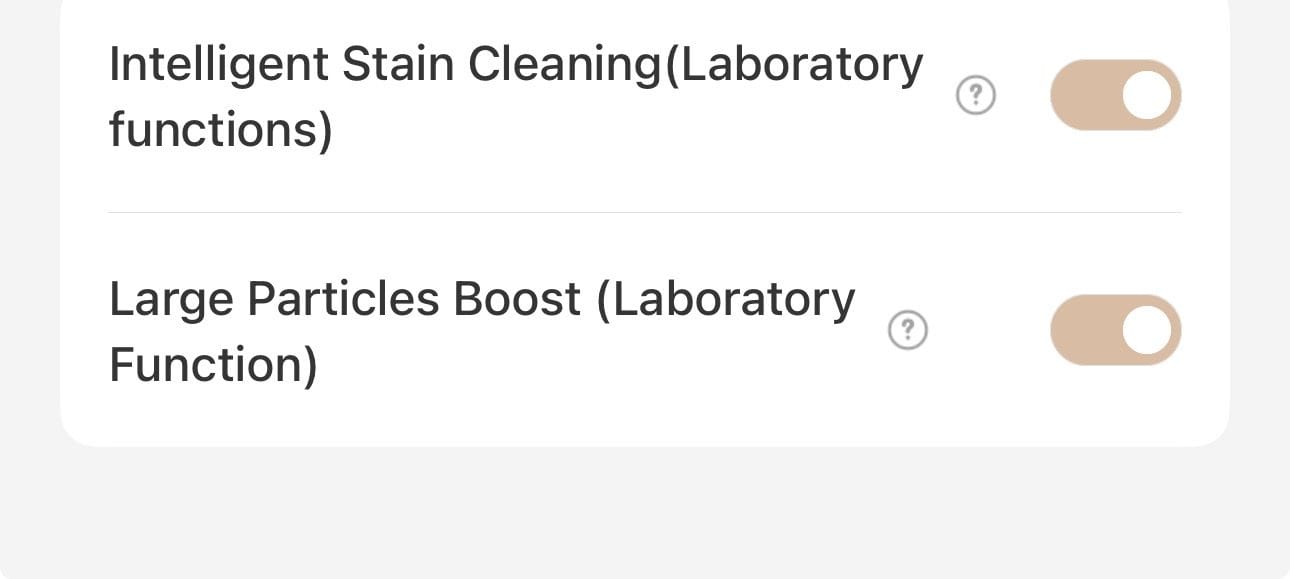
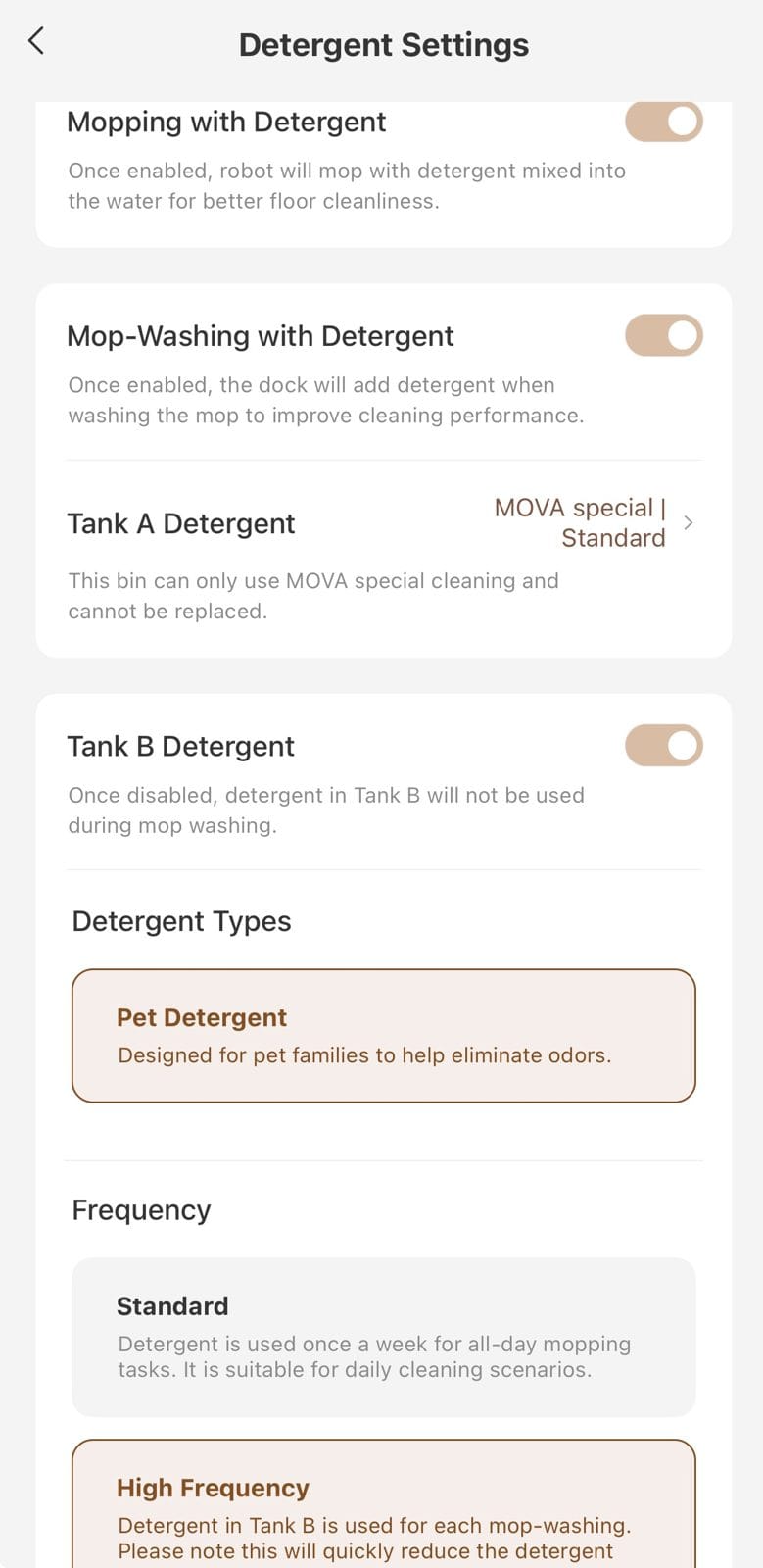
For detergent, I enabled it during both mopping and mop washing. I also turned on Tank B, which holds the pet solution, and selected high frequency. In my house, that helped keep the floors and roller from smelling like dog.
Those are my settings, rather than a reason to put everything on high automatically. Use the approved solutions and choose wet-cleaning settings that suit your floors.
Give It a Chance to Get Under Furniture
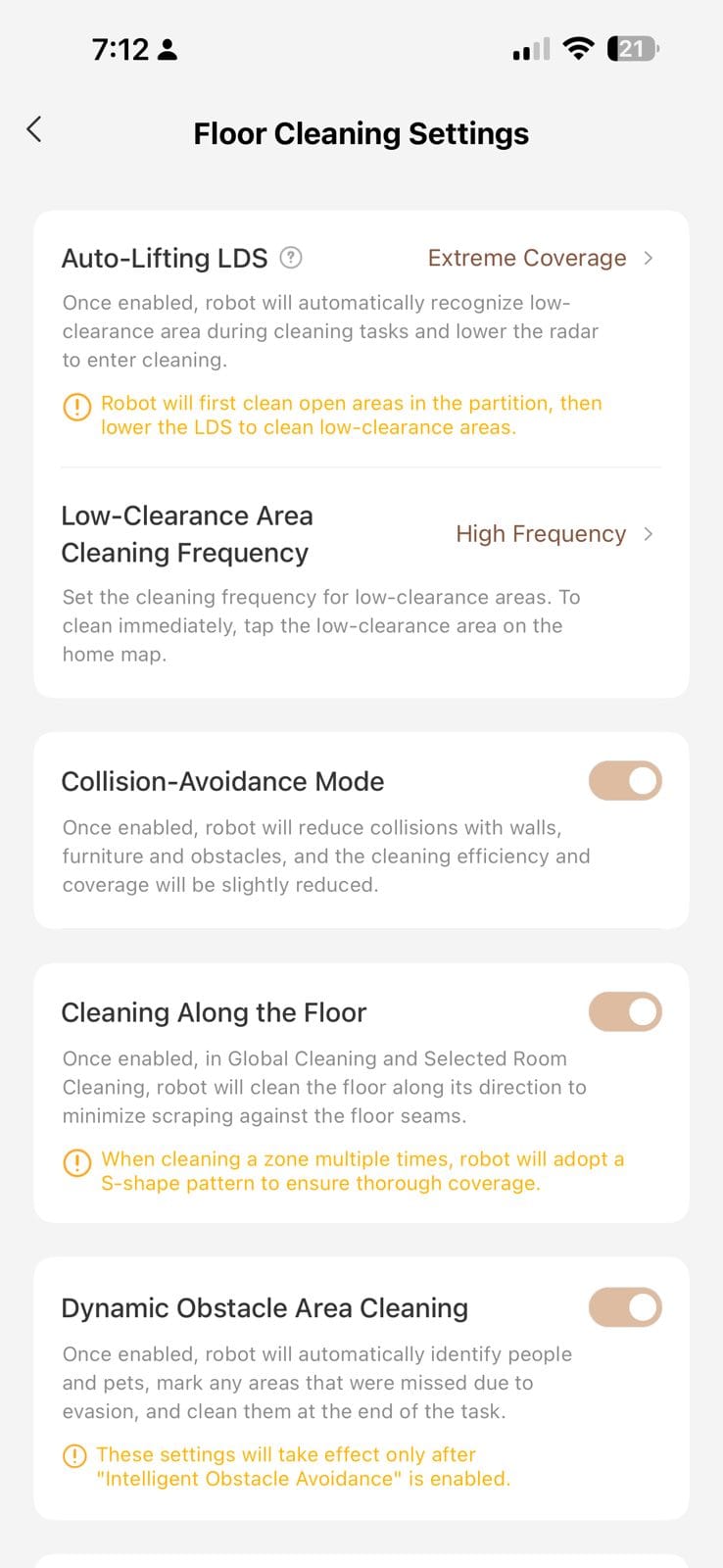
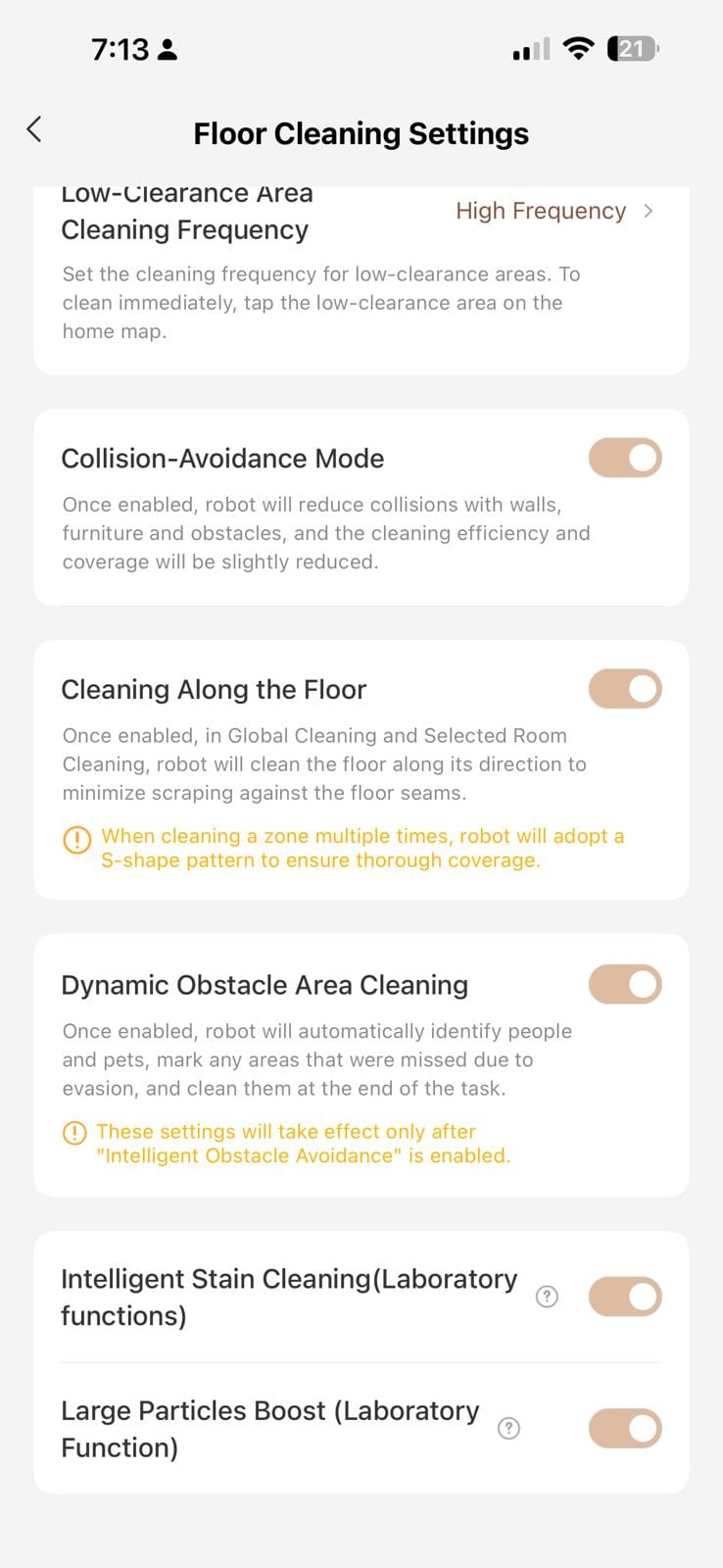
Pet hair doesn’t politely stay out in the middle of the room. I set Auto-Lifting LDS to Extreme Coverage and low-clearance cleaning to High Frequency so the Z60 would spend more attention on those spaces underneath furniture.
I also enabled Dynamic Obstacle Area Cleaning. My dogs don’t seem particularly afraid of the robot, which means they don’t always move out of its way. In my use, it could avoid the occupied spot and return later to clean it. That’s a handy feature when a dog decides the cleaning route is a good place for a nap.
Turn On the Extending Side Brush
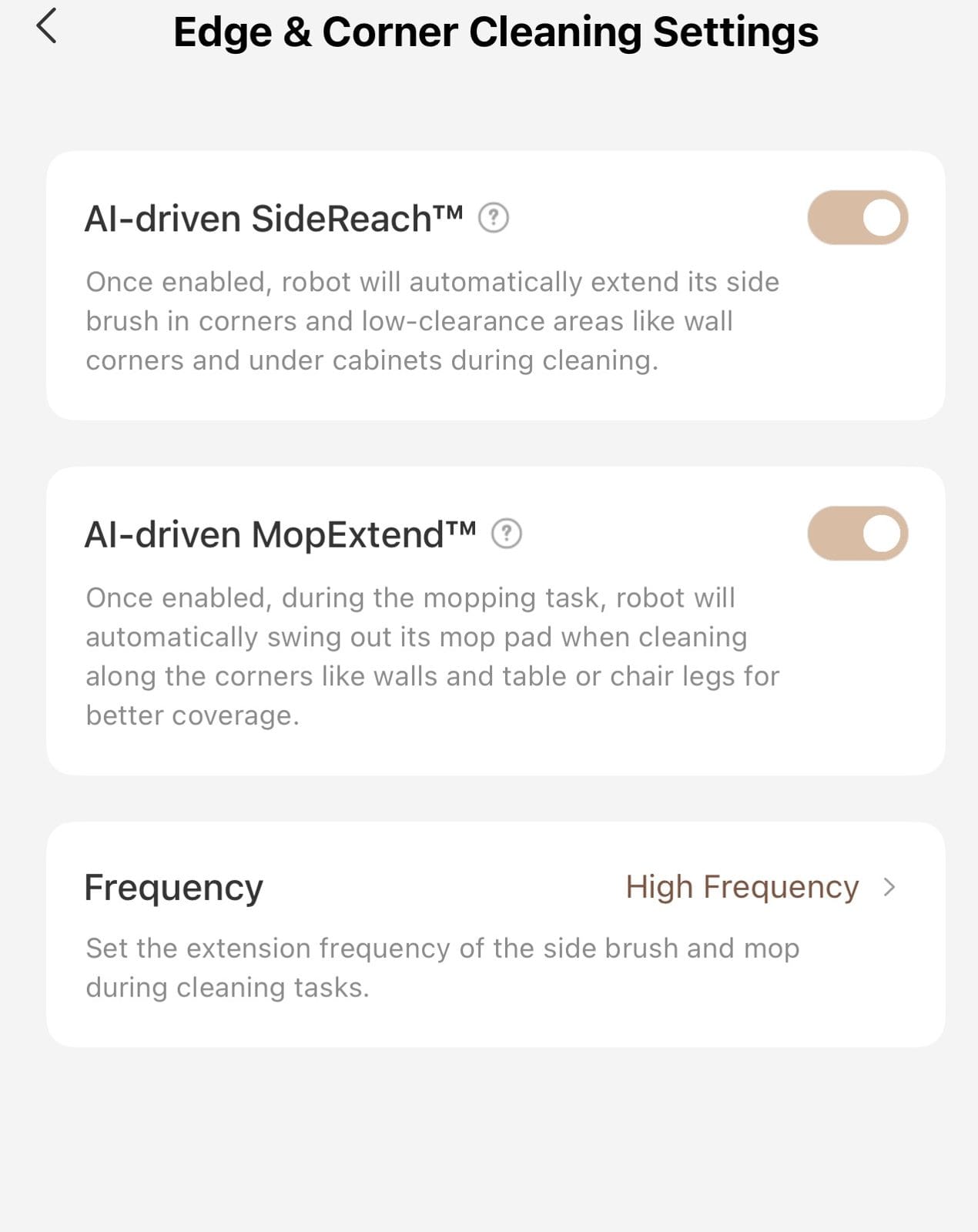
For edges and corners, I enabled AI-driven SideReach and AI-driven MopExtend, with frequency set to high.
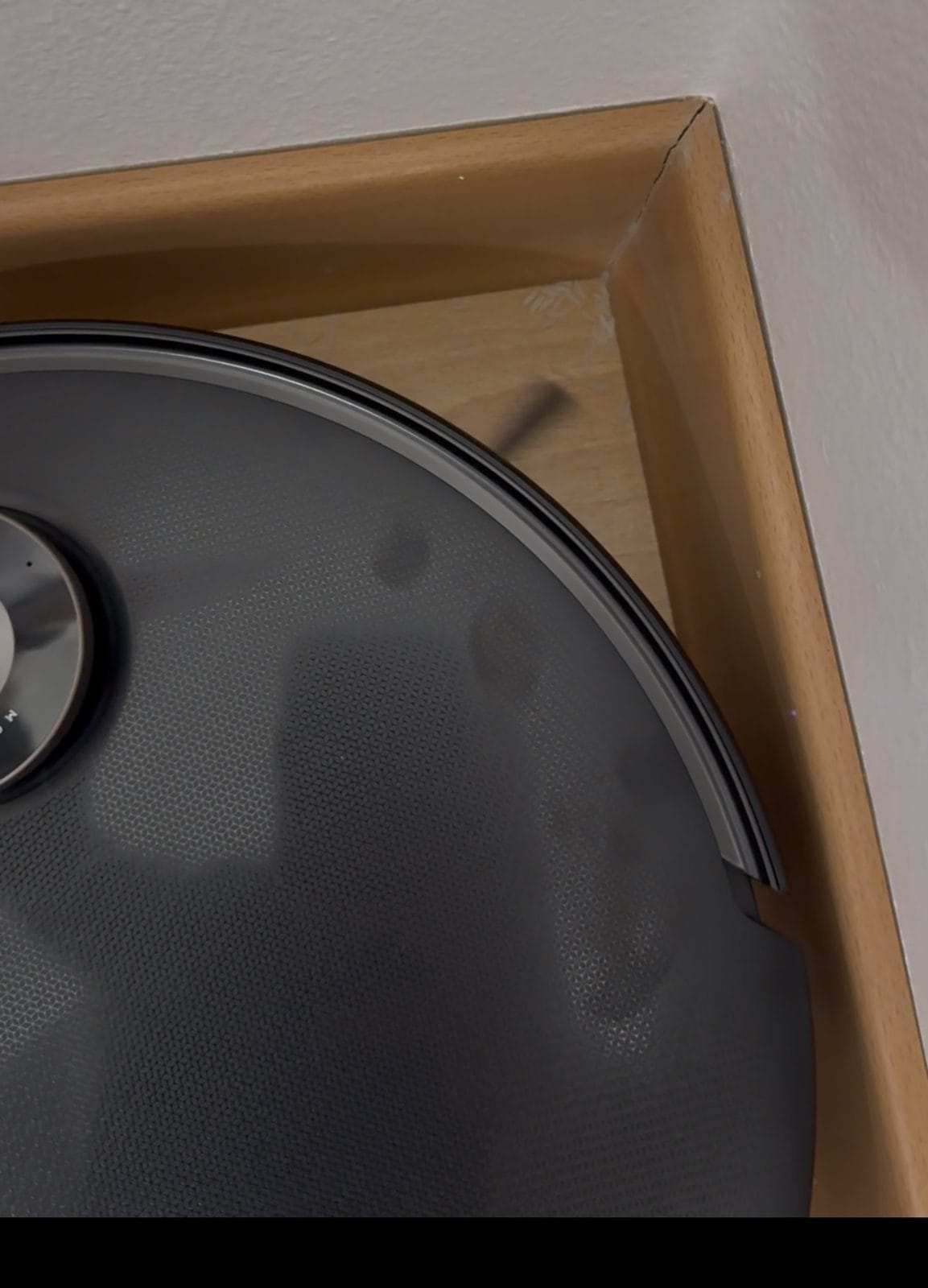
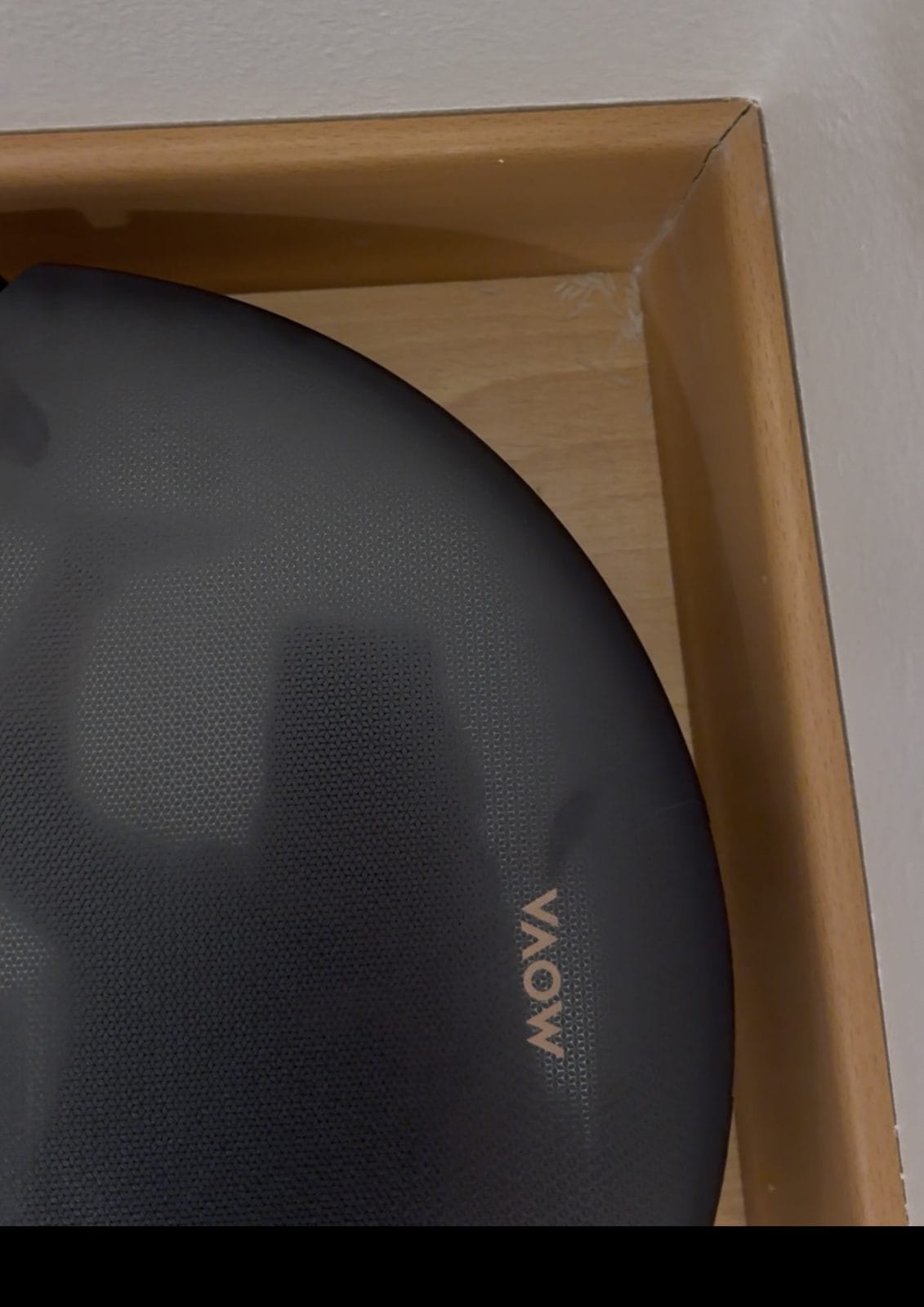
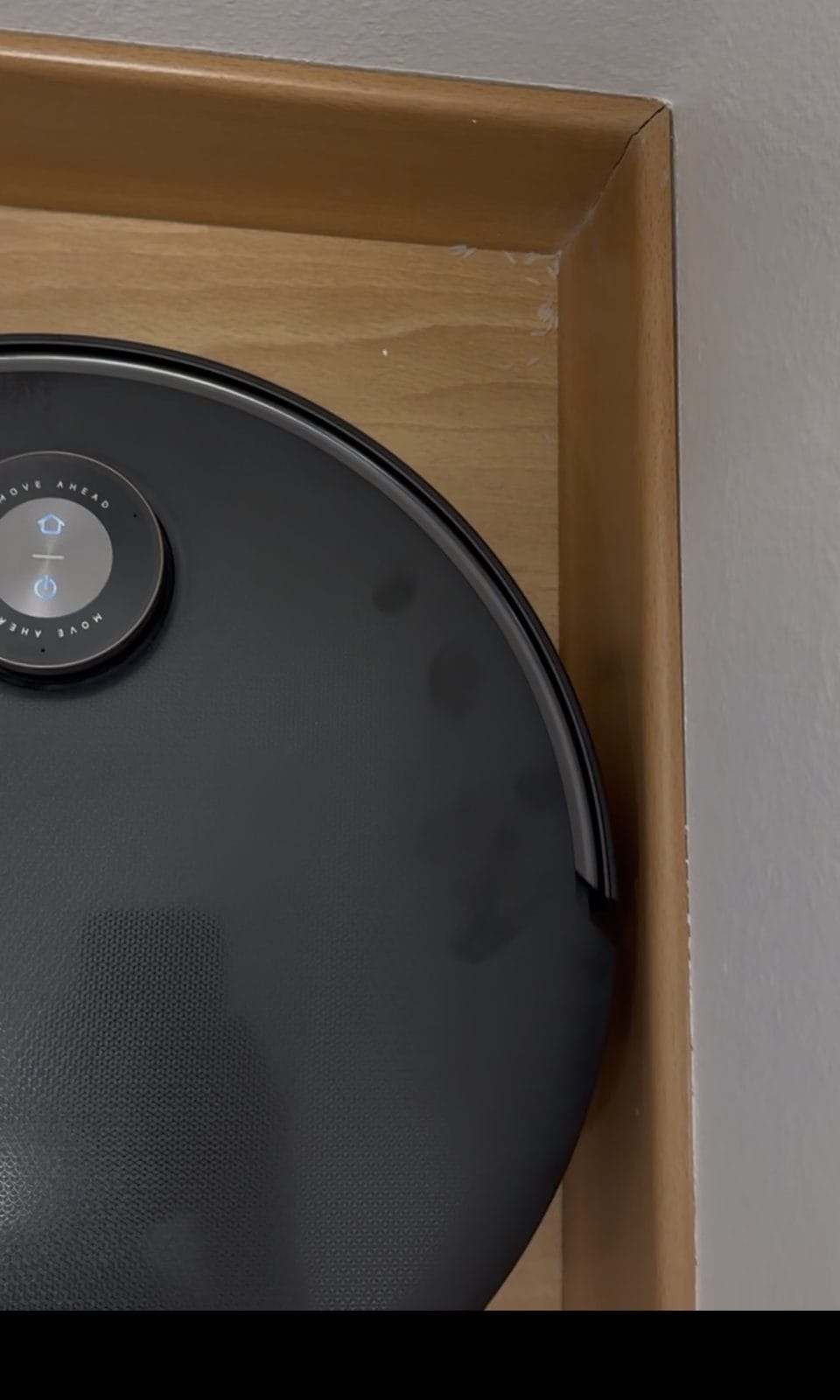
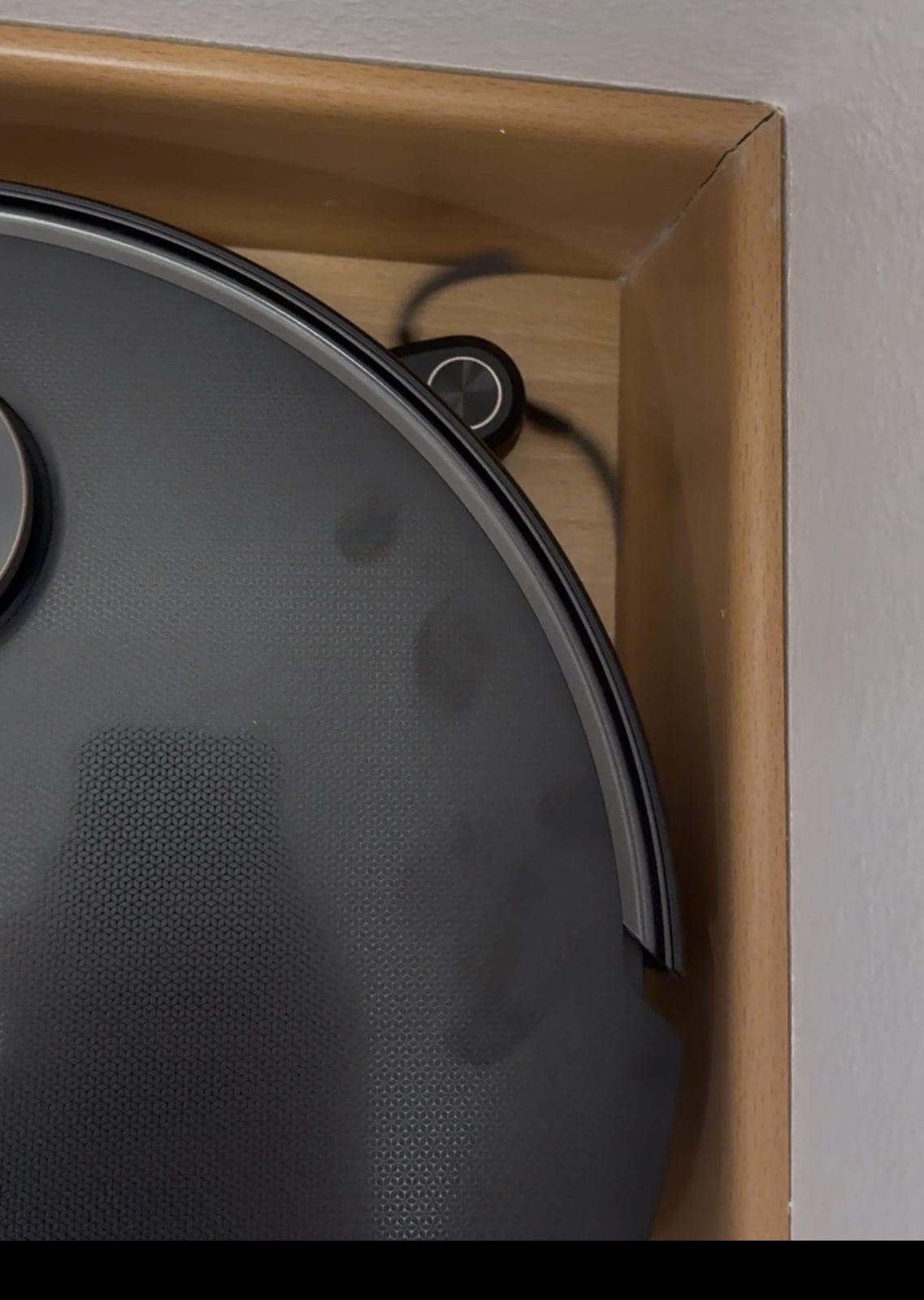
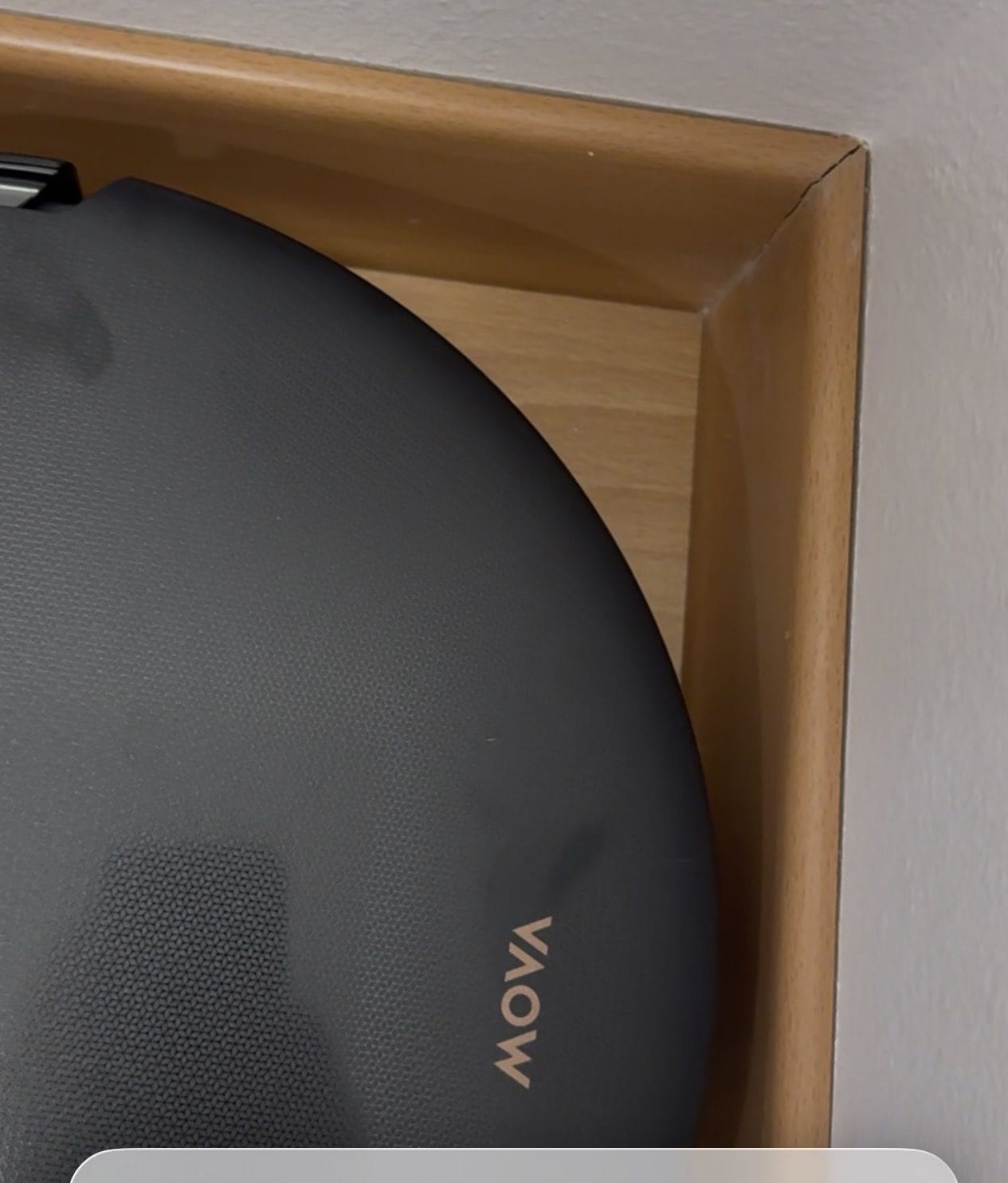
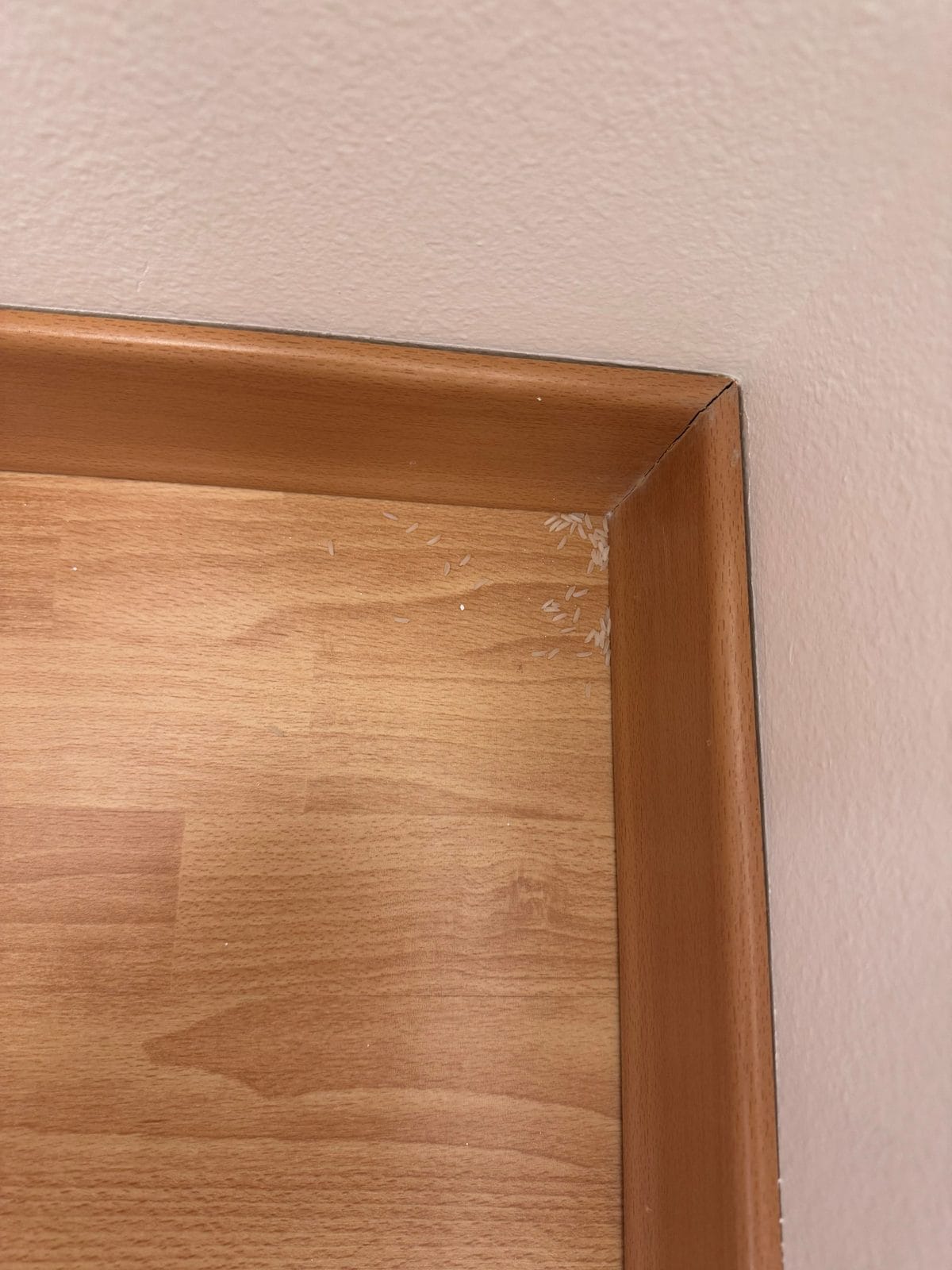
To show what the side brush changes, I put rice in a corner and ran the robot with extension off, then repeated the demonstration with it on. Without extension, a noticeable amount stayed in the corner. With extension, the brush reached in and the rice was gone from the area shown.
Seeing the two runs side by side made the difference pretty clear to me. This was a simple home demonstration, not a weighed pickup test or a separate test of mop extension.
Side-Brush Extension Off
Side-Brush Extension On
My Rug Settings
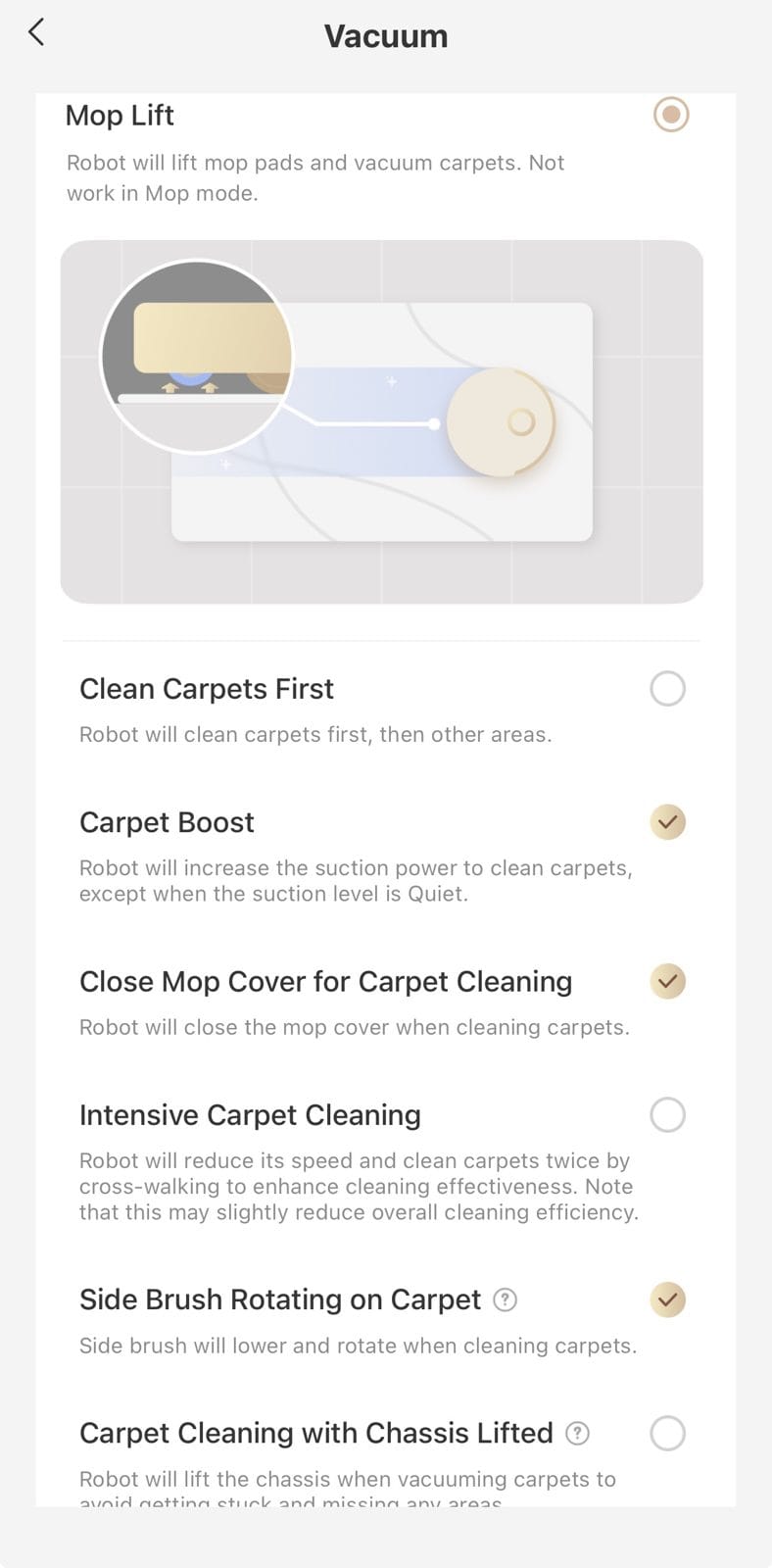
I have area rugs rather than wall-to-wall carpet, so keep that in mind when comparing these choices with your own home.
I selected vacuuming on carpet, Carpet Boost, the mop-cover option and side-brush rotation. I left chassis-lifted carpet cleaning off because I found the vacuuming less effective with it enabled.
The mop cover is a feature I particularly like having when the robot moves from mopping the floor to cleaning a rug. Check your own rugs after the first run, especially if the pile or material differs from mine.
If You Have the Time, Vacuum First and Mop Afterward
This is my preferred routine. It takes longer, and the robot may need to recharge between jobs, but I found much less hair collecting in the dock’s mop-cleaning area.
I went from cleaning hair out of that area roughly every three days to about every other week. That’s my household’s experience, but it was a worthwhile change for me.
I hope this gives you a useful place to start. You don’t need to change everything at once — pick the problem you’re trying to solve, adjust the relevant setting and see what the next run looks like.
App note: These screenshots are from my February 2026 post. Labels and available options can change with software updates.
More Photos From My Original Post