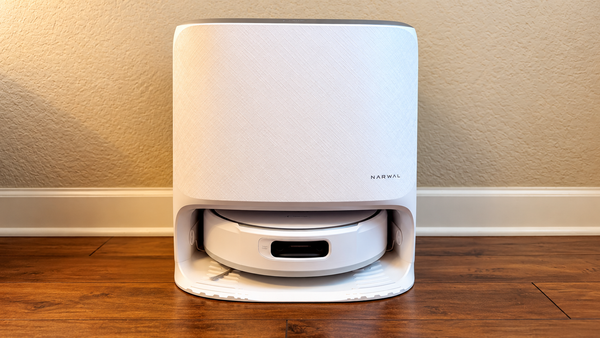
Maintenance Check
Step-by-step upkeep guides to keep your robot running like new: what to clean, how often, with photos of each step.
Setup, everyday use and upkeep for the Narwal robots we have covered.
Mapping, settings, schedules and other ways to get more from your robot.

Save your home’s layout, correct room boundaries and set useful cleaning exclusions.
Plan regular cleanups and make your favorite room-cleaning jobs easier to repeat.
Create separate layouts and plan for cleaning away from the robot’s station.
Choose a cleaning mode, adjust the available controls and find a useful starting point for your floors.
Connect your robot to Alexa, Google Home and other smart home platforms.

Link your robot’s account, confirm the connection and check which cleaning controls are available.

Link your robot’s account, confirm the connection and check which cleaning controls are available.
Keep your robot and dock running well with routine cleaning and part replacement.

A simple care routine for the brushes, filter, mop and station that keep your robot cleaning.
Use wear, maintenance prompts and the correct compatibility listing when buying replacement parts.
Fix connection, pickup, dock and odor problems and get back to cleaning.
Find the source of an odor and clean the parts that retain wastewater or residue.
Separate a collection problem from a water or drying problem before repeating maintenance cycles.

Work through the mode, bin, filter and brushes when dry debris stays on the floor.
Check power, app setup and network settings before resetting your robot.
More how-tos for the robots we have covered.
Learn how to connect your Narwal robot vacuum to Apple Home using Matter, control cleaning with Siri and understand which features are supported.
Learn how to use Narwal's Hey Nawa voice assistant, including cleaning commands, compatible models, setup, room cleaning and NarGPT features.
Step-by-step upkeep guides to keep your robot running like new: what to clean, how often, with photos of each step.